Choosing the Right Shot Duration According to AI Intention
A practical guide to calibrate the duration of each shot according to emotion, action and editing rhythm.
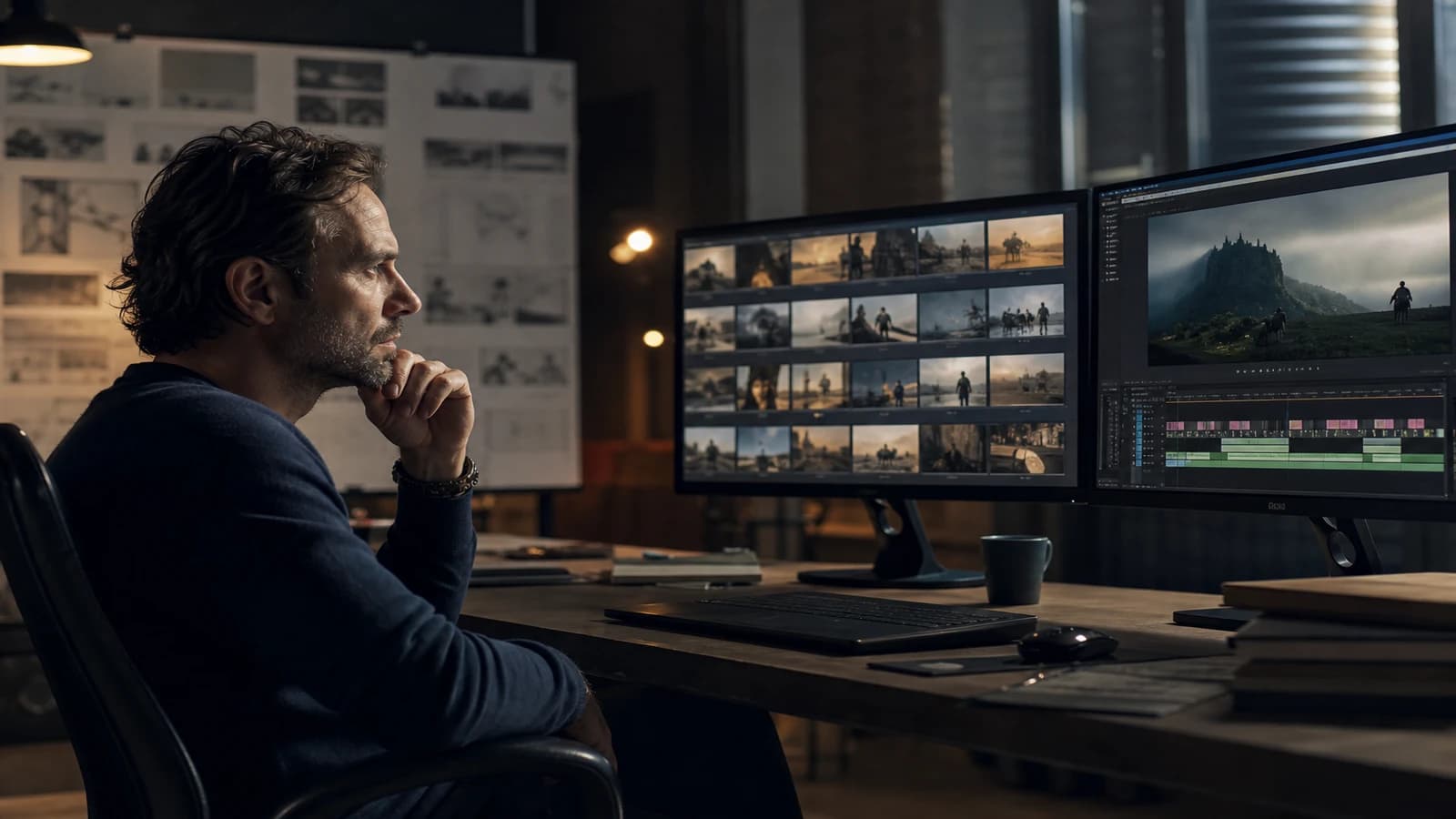
You generated a magnificent eight-second shot. In the edit, you cut it to two seconds because the rhythm demands it. You just threw away six seconds of credits and four hours of work. Conversely, you stretch a static three-second shot to five: the viewer disengages without knowing why. Choosing the right shot duration according to AI intention starts before the generation, not in the timeline.
Duration is not a technical constraint of the engine. It is a narrative decision. In AI, every second costs time, tokens, and viewer attention. This guide helps you calibrate that duration upstream so that what you generate is what you edit.
Duration as intention, not as default
On a classic shoot, the director chooses the take duration. In AI video, the engine often proposes fixed durations and you adapt afterward. It is the reverse of cinema logic. The shot must be born from its role: reveal, transition, amplify, breathe.
An emotional close-up needs time. The viewer must read the micro-expressions. Cutting at 1.5 seconds kills the emotion. An establishing shot of an already known set can hold in one second.
The beginners' mistake: always generating the maximum duration "just in case". Result: an edit that cuts aggressively and artifacts at the cut points. The reverse mistake: generating too short and stretching with interpolation.
The correct duration depends on the emotional intention, the density of visual information, and the overall rhythm. Cross these three before opening the tool.
For the narrative framework, see how to structure an AI video like a real film and preparing a technical shot breakdown before AI video generation.
💡 Frank's Cut: write the target edit duration in your shotlist BEFORE the generation duration. Example: "shot 04, edit 3.2s, generate 4s for margin". The margin is 0.5 to 1 second, not double.
Intention and target duration grid
| Shot intention | Narrative function | Typical edit duration | Recommended generation duration |
|---|---|---|---|
| Hook / shock | Capture attention | 1.5 to 2.5 s | 3 s |
| Establishing | Situate the set | 2 to 4 s | 4 to 5 s |
| Action | Move the plot forward | 2 to 3 s | 4 s |
| Emotion / revelation | Let it be felt | 3 to 6 s | 6 to 8 s |
| Transition | Link two scenes | 1 to 2 s | 2 to 3 s |
| Breathing | Slow down after tension | 4 to 8 s | 6 to 10 s |
| Proof / product detail | Show information | 2 to 4 s | 4 s |
A wide shot with a crowd demands more reading time than a face close-up on a blurred background. Walter Murch's editing manual reminds us that editing follows the viewer's cognition.
Field workflow: calibrating duration by sequence
Step 1: rhythm map
Draw the emotional curve: rise, climax, resolution. A 30-second ad: hook (0-3s), development (3-20s), CTA (20-30s).
Step 2: shotlist with double duration
For each shot: intention, edit duration, generation duration (target + margin), camera movement.
Step 3: adapt to the engine
Round up to the higher tier. Never generate below the edit target.
Step 4: generation by duration families
Group the "3s" shots together to homogenize your rhythmic mindset.
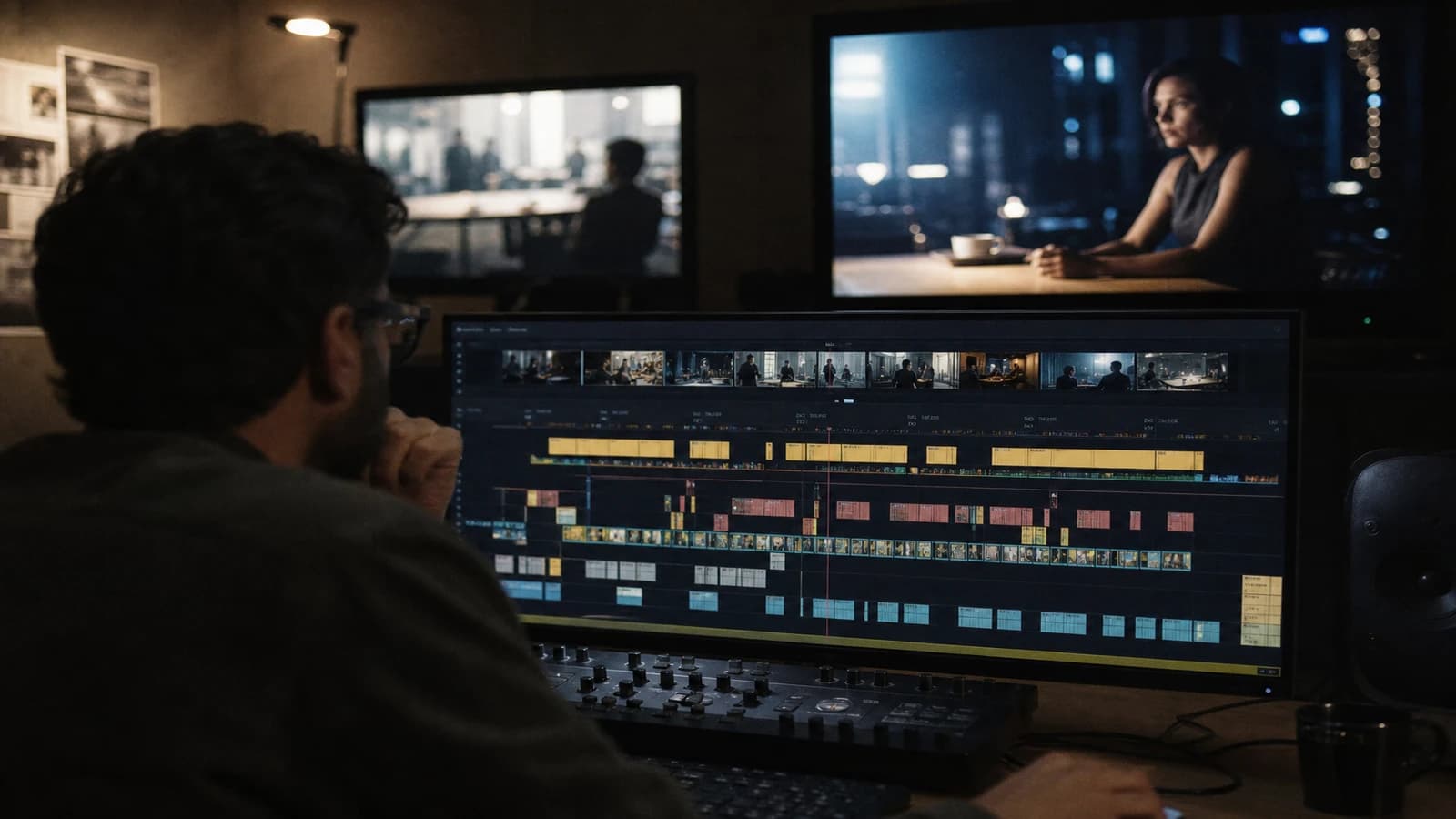
Step 5: rough cut before post
Check only the rhythm. An emotional shot that does not hold in 2s = regeneration. See setting the editing rhythm of AI ads 15s and 30s.
Step 6: transitions
A hard cut tolerates short shots. A dissolve needs margin. See mastering transitions between AI video shots.
Rhythm by format: vertical, horizontal, cinema
Vertical is not a reframed horizontal. On Reels and Shorts, compress the establishing shots to 1.5-2.5 seconds but keep 3-4 seconds on an emotional close-up. Horizontal YouTube long form tolerates breathing shots of 5-8 seconds if the title has qualified the audience.
In short-format AI cinema, alternate short shots (1.5-2.5s) and long shots (4-6s). A constant rhythm puts you to sleep even with beautiful visuals.
Dialogue and duration
Generate the duration of the line + 0.5 second of margin. Cut on the breath. If the engine fails on the long take, two shots with a gaze cut.
Real scenarios
15s tech product ad. Hook 2s (visual problem), demonstration 8s (four 2s action shots), benefit 3s (3s emotion shot), logo 2s. Total generated: about 22s of material for 15s edited. Healthy margin. If you generate everything at 5s per shot, you throw away half your credits in the edit.
60s corporate testimonial. Interview shots 4-6s (emotion, let it breathe), B-roll 2-3s (illustration), hand cutaways 1.5s. Frequent mistake: B-roll too long that weighs things down. Here the duration serves the credibility of the speech, not the spectacle.
AI music video. The rhythm follows the musical bar. Shots on the downbeat: 1-2 beats. Atmospheric shots: 4-8 beats. Synchronize the shotlist with the temporal storyboard before generation. Generating with no rhythmic map produces magnificent but unusable shots.
3-minute e-learning course. Demo shots 3-4s (showing the action), trainer face shots 5-6s (explanation), screen inserts 2s. The viewer needs time to read the screen: if the insert lasts 1s, they do not read it.
Durations log (field template)
PL04 | intention: revelation | edit: 3.2s | gen: 4s | in: 01:12:08 | out: 01:15:04 | engine: Kling
Fifteen seconds of documentation per validated shot avoids hours of blind regeneration three weeks later.
Frequent mistakes and fixes
Generating long, cutting at random. Fix: in/out frames identified before generation.
Emotional shots too short. Fix: minimum 3s edit for a reaction close-up.
Same duration everywhere. Fix: alternate short/long.
Slow motion on a short shot. Fix: regenerate.
Ignoring the sound. Fix: edit sound and image together.
The YouTube recommendations on retention confirm that the overall rhythm weighs more than isolated quality.
Foire aux questions
Réponses rapides aux questions les plus fréquentes sur cet article.
How do I know if a shot is too long in the edit?
If your eye moves before the end of the shot, it is too long. If you have to rewatch to understand the action, it is too short or badly framed. Have it tested by someone who does not know the project. A hesitation at the end of a shot often signals a camera movement with no resolution or an excessive duration. Rhythm is judged cold, not after eight hours of session. Scrub the timeline with no sound: if you are bored, so is the viewer.
Does the ideal duration change between vertical and horizontal?
Yes. Vertical imposes a faster reading: establishing 1.5-2.5s instead of 3-4s. The emotional close-ups stay longer because they anchor the attention against the scroll. Adapt the shotlist by format from the start. Do not reframe a horizontal into a vertical without rethinking the durations shot by shot.
Should I generate longer for shots with dialogue?
Yes if the lip-sync has to match. Generate the duration of the sentence plus half a second of margin. Cut on the breath, not on a vowel. If the engine handles long dialogue badly, split into two shots with a gaze cut rather than a single shot stretched in post.
How do I calibrate the hook duration in AI?
The hook is short but not empty: 1.5 to 2.5 seconds in the edit, a single strong visual information. Generate 3 seconds, choose the best segment. Test on mute on mobile. See designing AI video hooks in 3 seconds.
Can you standardize the durations to simplify production?
You can standardize the generation duration (everything at 4s) but not the edit duration. Otherwise you get a mechanical rhythm. An acceptable compromise for social volume, not for an ad or a short film.
What is the impact of camera movement on the perceived duration?
A slow tracking shot lengthens the perceived duration without adding frames. An intense static shot can hold less long. Plan the time for the movement to end naturally. Cutting a tracking shot in the middle creates an interruption.
How do I document the durations for retakes?
Note: final edit duration, in/out timecode, generated duration, engine used. If you regenerate in three weeks, you reproduce the rhythmic intention. Without these notes, the edit no longer matches.
Should the music dictate the shot durations?
For all rhythmic content (ad, music video, reel), yes. Anchor the shotlist on the downbeats. In AI advertising, the music almost always leads. For pure narrative, the image can lead, but decide who leads before the generation.
The shot duration is a promise to the viewer. When you choose that duration before the generation, you produce less waste and you edit faster. Apply this logic to choosing the right shot duration according to AI intention, and every generated second will finally serve something.
Calibrating with sound and music
A two-second shot can last four seconds in the viewer's head if the sound prolongs the emotion: reverberation, silence before impact, a voice-over that overlaps the cut. Edit the sound at the same time as the image when you validate the durations. A shot "too short" in the image is sometimes perfect with an audio tail.
On a music-driven ad, the shotlist follows the downbeats before the generation. Note the bar number next to each shot. Generating with no such map produces shots you will all cut in the edit.
When the client asks for more dynamism
First reduce the establishing shots by 0.5 to 1 second each. Do not touch the emotional close-ups without reason. Dynamism comes from variation, not from uniform compression. Show two animatics: one nervous, one steady. Make them choose. Document the validated version in the shotlist.
AI credits and duration
Every generated second costs. A shotlist with target durations avoids paying for dead material. Calculate: if you generate 40 seconds for a 15-second ad, you burn almost triple the necessary. Duration discipline is budget discipline.
Technical breakdown and video engines
Runway, Kling, Pika do not offer the same duration tiers. Always round up. If your shot targets 2.5s and the minimum is 5s, choose the stable central segment for the cut. Avoid fast movements at the start and end of the clip if you know you will cut hard.
Document in the shotlist the planned in and out timecode before generation. The future editor (often you in three weeks) will thank you.
For the overall breakdown, cross-reference with preparing a technical shot breakdown before AI video generation. The shot duration does not exist in a vacuum: it depends on the sequence and the delivery format.
In documentary editing, a testimonial shot at 1.5 seconds destroys credibility. In action, a 6-second shot with no evolution puts you to sleep. The duration follows the function, not the ego of the generated shot. When you hesitate between two durations in the edit, it means you did not think enough upstream in the shotlist. Go back to the brief: what emotion, what information, what sequence rhythm? The answer puts a number on the target duration.
Note the average duration per sequence in your production log. An action scene at 2.1s average and an intimate scene at 4.4s tell two different rhythms. AI does not choose for you: you choose, you generate, you edit.
Duration is a promise. Keep it.
When the edit reveals a gap, add a V2 shotlist line with the reason "edit gap". Generate only that shot. Analyze why the initial shotlist missed it for the next project.
Duration decision grid
When you hesitate between 2 s and 6 s, ask a single question: what must the viewer understand before the cut? Emotional reaction: 2 to 3 s after the peak. Physical action: the duration of the complete gesture plus one frame of breathing. Set revelation: 4 to 5 s if the location is new. Dialogue: the whole sentence, never cut in the middle of a vowel. Note the chosen duration in the shotlist: in the edit, you will thank this discipline instead of lengthening in post with artificial slow motion.
💡 Frank's Cut: if you lengthen a shot "to see", it means a shot was missing before or after. Cut, do not freeze up.
Document the validated version with the date: the project's memory is worth more than the last winning prompt.
Related articles
 Tutoriels
Pika Labs vs Runway: Choosing the Right Engine for an Action Shot
A field comparison on movement, hands, duration and post to decide in twenty minutes which engine carries your action shot.
 Tutoriels
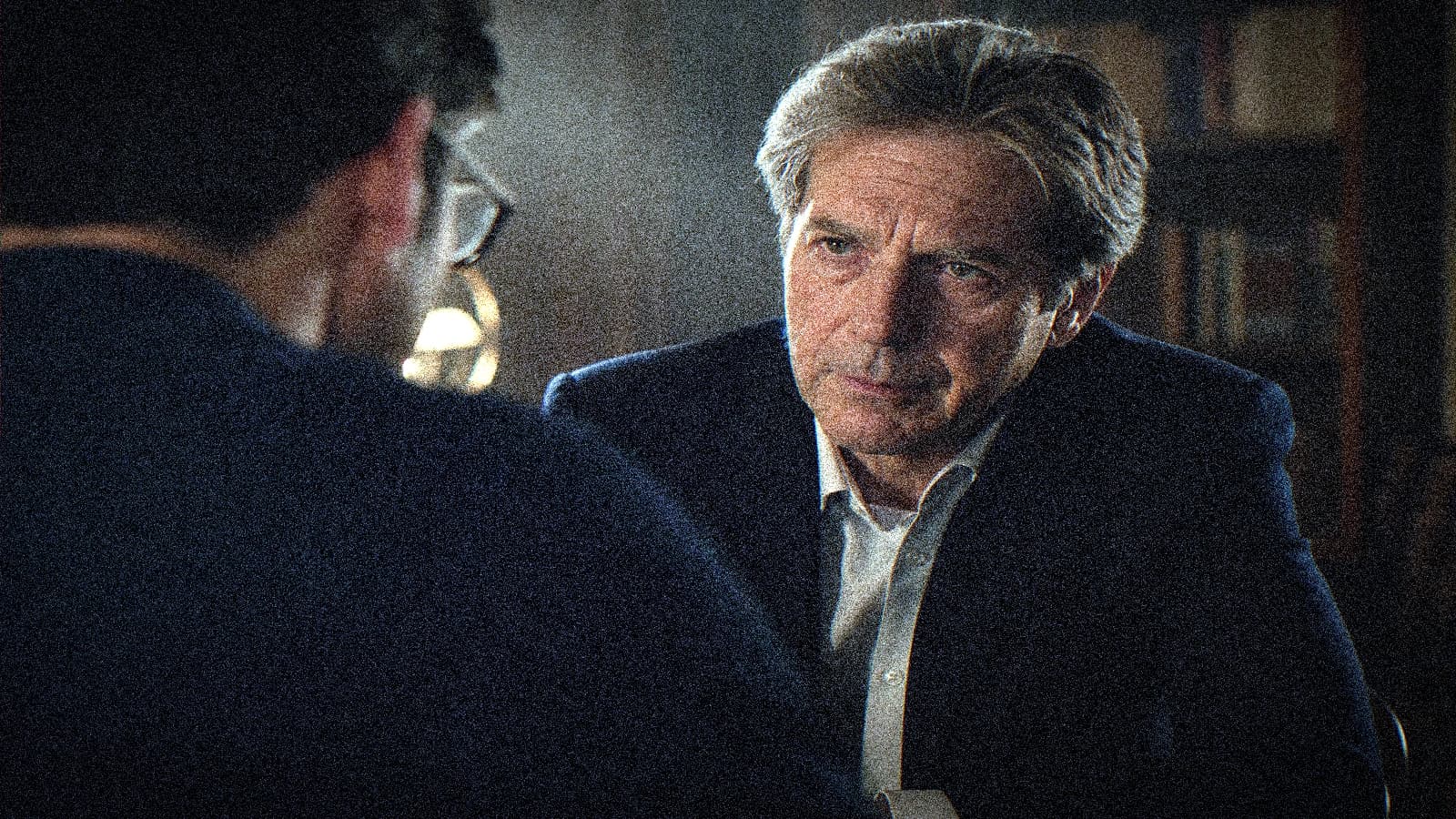
Over-the-Shoulder Shot: Eye-Line Continuity and Depth
OTS framing, axes and prompts to link two characters without crossing the line of action.
 Tutoriels
Runway Gen-3 tutorial: animating a still image for a film shot
Detailed method to animate a still image with Runway Gen-3 with no artificial render or distortions.