Creating Realistic Dialogues With the Help of Conversational Tools
A field method to use ChatGPT, Claude, Gemini or Mistral as improvisation partners and write truer dialogues.
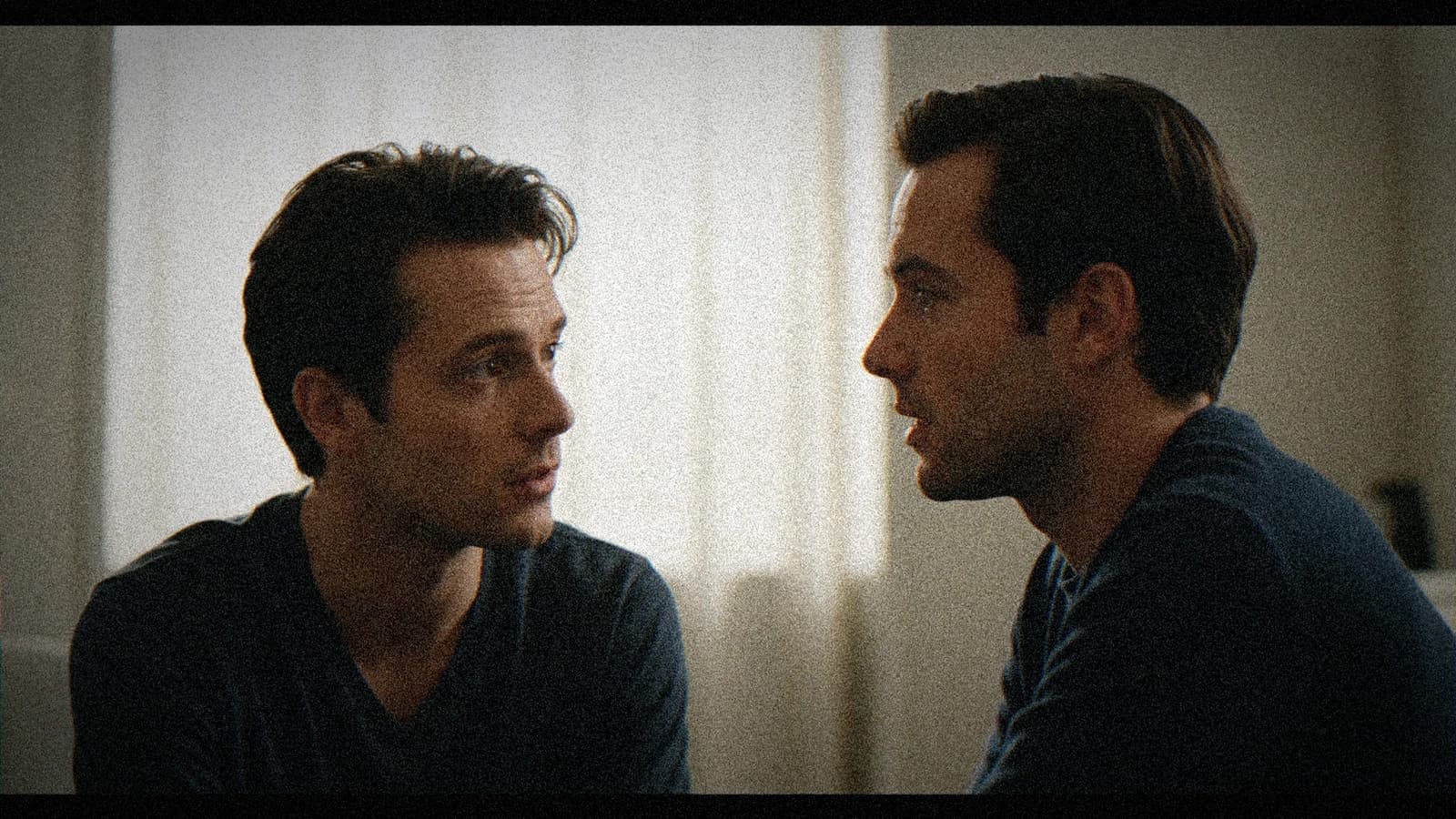
On creating realistic dialogues with the help of conversational tools, the classic trap is confusing speed and clarity. You generate fast, you stack versions, and you discover at the edit that the field method to use ChatGPT, Claude, Gemini or Mistral as improvisation partners and write truer dialogues was not locked. It is not a talent problem. It is a brief and sorting problem.
The angle of this article: transform "AI realistic dialogues conversational tools" into a reproducible routine. Not a tool list. A sequence of decisions you can repeat on the next client project. This guide follows the method I use in production: short brief, limited batch, retained post, mobile QA.
The breaking point beginners underestimate
Most blockages on creating realistic dialogues with the help of conversational tools come from a fuzzy process, not from the engine. When the instructions change at each try, you get inconsistent variants and an edit full of compromises.
Second mistake: too many constraints in the same prompt. You no longer know what saved or broke the take. One single lever per iteration.
Third mistake: late QA. Twenty seconds of control per clip on the phone avoid the visual debts that contaminate the whole sequence.
For the base, see how to optimize your AI workflow and how to structure an AI video like a real film.
💡 Frank's Cut: if you cannot explain your creative decision in one sentence, you are not ready to regenerate. Write the sentence, then only the prompt.
Field concepts to lock before generating
The vertical format imposes a different reading. A wide horizontal shot tells the environment. A vertical demands a clear subject, a strong line, few parasitic elements on the edges. If you reframe a horizontal into a vertical without rethinking the composition, you get cut-off heads and hands that enter by surprise.
The fear of black pushes beginners to raise the shadows to gray. Keep real black, especially in cinema. Black gives the volume. Gray gives the demo.
The storyboard, even a rough one, saves you hours. Three boxes drawn with a pen are worth ten blind prompts. You know where the horizon line is, where the gaze is, where the cut is. The model does not guess your next shot, you must give it as a frame.
The one-sentence brief never works. In three honest sentences, often yes. Sentence 1: who, where, what time. Sentence 2: what the viewer must feel at the end. Sentence 3: what is visually forbidden. The prohibitions spare you the default sci-fi neon pack.
The mental timecode counts. If your clip is a fifteen-second ad, each second has a function. Note what happens at 0, 3, 7, 12. Otherwise you go in circles on a shot that brings nothing to the structure.
| Phase | Goal | Deliverable |
|---|---|---|
| Brief | Set intention and constraints | brief-ai-realistic-dialogues.txt |
| Generation | Short readable batch | raw-v1 |
| Sorting | A B C with no pity | selection.md |
| Post | Correction with no over-treatment | master-v1 |
| QA | Mobile + sound + rhythm | ready |
In-depth workflow
Step 1: operational brief
Subject, set, light, action, prohibitions. Readable in thirty seconds. If it is a novel, it is no longer a brief.
Step 2: generation by batch
Four to six variations max, constant frame. Archive what works immediately.
Step 3: A B C sorting
A = usable. B = lightly recoverable. C = rejection. The brutality protects your calendar.
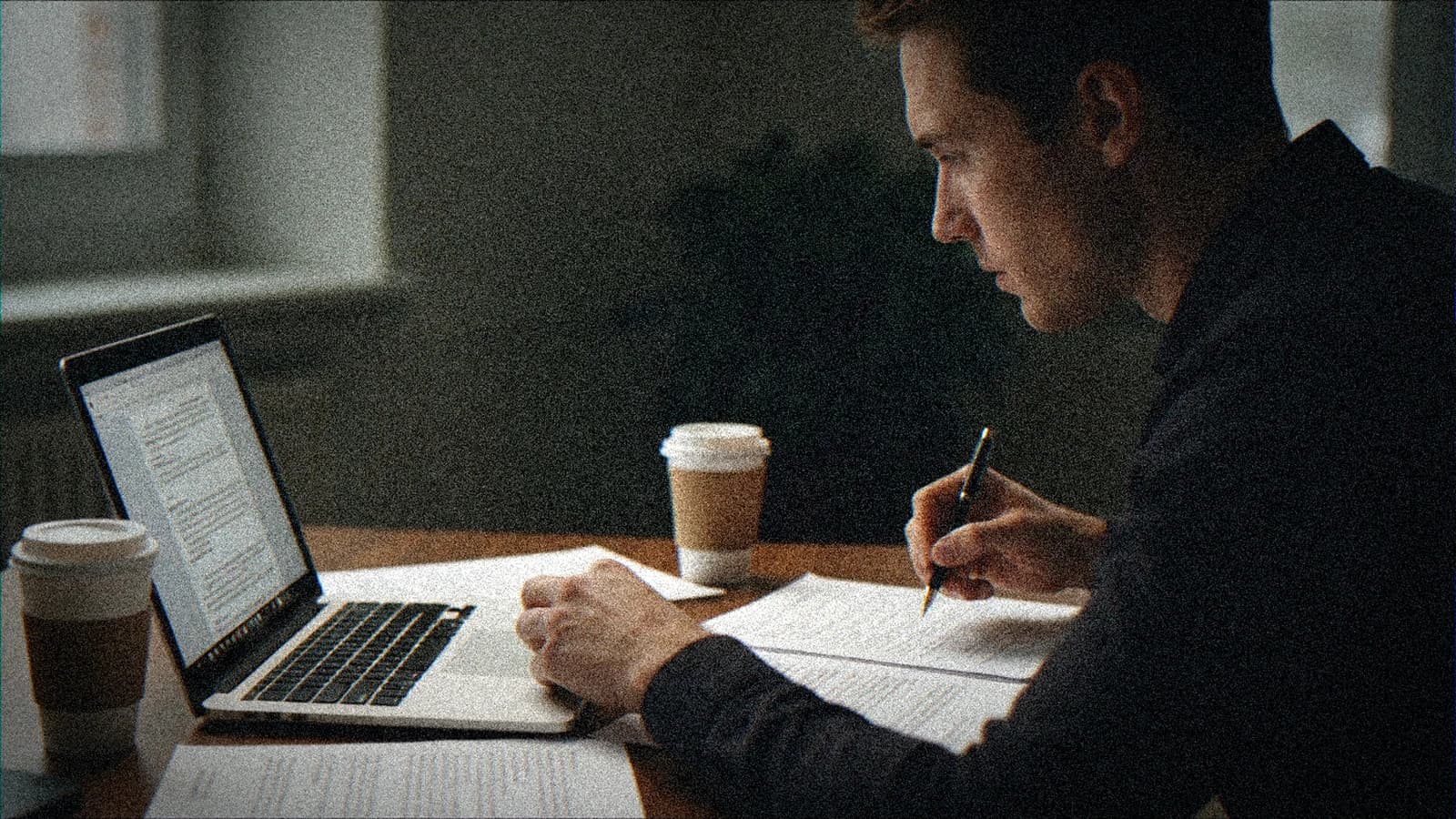
Step 4: post with restraint
Global balance first, grain after. An aggressive post amplifies the artifacts.
The sound transitions mask hard cuts. A discreet whoosh, a door impact, a music cut on the downbeat. The sound lets you keep simple images with no dubious AI fades.
Multiple lights with no hierarchy give a cheap photo studio. Choose a key, a weak fill or nothing, maybe a rim. Three equal strong sources is the death of the depth. Write who dominates in EV if you can, even roughly.
The fear of black pushes beginners to raise the shadows to gray. Keep real black, especially in cinema. Black gives the volume. Gray gives the demo.
The "teal and orange" grading works when the skins stay human. If everything goes orange, the faces burn. Isolate the skin with a soft mask, bring a real blood tint back into the reds. Even in AI, you will often finish in post. Accept the round trip.
The depth of field in the prompt, describe the lens and the distance. Anamorphic gives bokeh ovals and a soft falloff. Sharp spherical at 50 mm gives a rounder and more neutral bokeh. If you specify nothing, the model puts out a "generic" bokeh, often too sharp and too clean.
Step 5: distribution QA
Desktop, mobile, sound, transitions. Fifteen percent of the total time minimum.
Concrete cases
Scenario A (solo creator). You have two hours. You lay a one-page sheet, you generate a batch of three, you decide A B C, you only touch one lever on the B version. You archive the winning prompt. It is enough to advance on AI realistic dialogues conversational tools with no spiral.
Scenario B (brand client). You send a capture of the validated still before the complete sequence. The client signs the direction. You reduce the back-and-forths by 40 percent on AI realistic dialogues conversational tools.
Scenario C (long series). You number the shots, you keep the same prompt block over ten files, you change only the action. The consistency comes from the disciplined repetition, not from luck.
The kitchen or bar ambiences with a thousand reflections demand cautious angles. If you simplify a row of bottles into a dark wall, you gain in credibility. Reduce the complexity when the model shows limits.
Image upsampling is not always your friend. More steps can crystallize the skin textures into stucco. Look for the threshold where the pores become suggested rather than drawn. It is often a bit before the maximum the interface proudly proposes.
The AI long take is seductive and rarely clean. If you want one, isolate a simple set, a clear action, a slow movement. Otherwise cut into three shots, the viewer will prefer three truths to a lying sequence.
The AI lateral tracking shot often demands a simplified set. The more vertical lines there are, the more the model will have to hold them straight during the movement. If you see walls ripple, reduce the tracking distance or add a light motion blur in post to mask without lying too much.
The copyrights and the client ethics are not a paragraph at the end. If you work for a brand, document what is generated, what is retouched, what is stock. The technique here does not replace the legal frame. It lives next to it.
The "ultra detailed" prompts often contradict each other. Adding five different styles in the same paragraph is asking the model to cheat. One dominant style, one concession, one prohibition. Three layers, not fifteen.
What beginners break (and how to fix it)
- Multi-variables. Fix: one variable, one note, one decision.
- Spectacular but useless clip. Fix: validate only what serves the narration.
- Post over-correction. Fix: regenerate the weak shot.
- Fuzzy delivery. Fix: codec, format, and support defined in the brief.
Technical references: YouTube encoding, Vimeo compression.
Set notes (details that change everything)
The vertical format imposes a different reading. A wide horizontal shot tells the environment. A vertical demands a clear subject, a strong line, few parasitic elements on the edges. If you reframe a horizontal into a vertical without rethinking the composition, you get cut-off heads and hands that enter by surprise.
The "porcelain" skin render often comes from a too-high detail mix plus a hard frontal light. Tilt the light, add a soft shadow under the nose, lower the clarity on the high skin frequencies in post. The skin has pores, not a grid.
The clean project folder is worth all the viral workflow promises. Name your files, keep a screenshot of the settings, copy the prompt into a txt. In two weeks, you will thank yourself when a client says "we go back to version 2".
The too-black cast shadows with no transition give a collage look. Add a very light fill or a credible indirect reflection. The AI loves the easy contrast. You must bring back the ambient light that exists in a real room.
The "cinema" AI transitions are often demo transitions. Real cinema cuts. If you use an AI fade between two different images, you mix two geometries. Prefer a hard cut with a sound that links them. The ear makes the continuity, not the fade.
Foire aux questions
Réponses rapides aux questions les plus fréquentes sur cet article.
Should you document everything?
Yes. Validated prompt, date, A B C status, reason for rejection. With no trace, you cannot redeliver cleanly in a month.
How to know if it is deliverable?
Narrative readability, visual stability, sound integration. If a shot breaks the rhythm or the light, it is a debt.
Should I aim for perfection before the edit?
No. The transition shot does not need the same level as a face close-up. Sort fast, fix what blocks.
Do the presets replace the judgment?
Never. Preset = mechanical base. Adjust according to light, material, emotion.
How to avoid SEO cannibalization between articles?
One precise promise per article, one unique field angle. Here: A field method to use ChatGPT, Claude, Gemini or Mistral as improvisation partners and write truer dialogues.
How long for the QA?
Fifteen percent of the total time. Image, sound, rhythm, platform. With no buffer, you publish flaws visible on mobile.
When to regenerate rather than retouch?
When the base geometry or light is false. The local mask saves a texture, not a failed intention.
How to sell this method to a client?
Show the brief sheet and the A B C grid. The process reassures more than a speech about the models.
Apply this discipline to creating realistic dialogues with the help of conversational tools and you will move from volume to a defensible result. Long-term quality comes from the process, not from the latest model released.
Field deep dive
Creating realistic dialogues with the help of conversational tools: This chapter extends the angle "A field method to use ChatGPT, Claude, Gemini or Mistral as improvisation partners and write truer dialogues." for the real subject behind ia-dialogues-realistes-outils-conversationnels. The goal is not to stack adjectives, but to install a short QA loop you can reuse on every deliverable: capture, note, compare, decide, archive. Most creators waste time because they mix three variables in one session, then blame the model. When you separate light, composition, texture, intention, you get back an honest diagnosis and measurable progress.
"One variable" protocol (30 minutes)
Minute 0 to 5: write the sentence "what the viewer must believe with no caption". Minute 5 to 12: list three possible visual proofs (cast shadow, prop in use, consistent reflection). Minute 12 to 22: generate two images that differ by only one of those proofs. Minute 22 to 28: test on a mobile thumbnail and full screen. Minute 28 to 30: choose A or B and name the winning criterion in the project file. This protocol avoids the drift where each regen changes everything except the initial problem.
Scenarios A, B, C with pivots
Scenario A. Render too clean, too showroom. Pivot: add a localized trace of use and a more marked side light, without touching the subject if the geometry is good. Scenario B. Cluttered image with no hierarchy. Pivot: remove two objects from the prompt, recenter the contrast on the subject, or tighten the framing. Scenario C. Spectacular but cold image. Pivot: lower the global saturation slightly, add a fine, even grain in post, then regenerate only if the geometry or the perspective still lies.
Trench warfare: ten frequent traps
- Fixing everything at once. You no longer know what saved the image.
- Comparing only full screen. Mobile often exposes fake luxury.
- Ignoring rhythm upstream of the video. Even upstream, think about cutting and the breathing of shots.
- Copy-pasting prompts with no local brief. The words must fit your real subject.
- Aggressive global sharpening. Garish edges read as "digital".
- Too many contradictory adjectives. One dominant intention is enough at the start.
- No archive text file. You lose the seed, the version, and the reason for the choice.
- Validating while tired. Fatigue makes "beautiful" out of what is only familiar.
- Stacking models on the same day. You compare different chains, not settings.
- Delivering with no A/B. The client or your future self will not know what was acceptable.
Quick decision table
| If you observe | Priority action |
|---|---|
| inconsistent light | simplify the sources |
| subject drowned | framing or contrast hierarchy |
| plastic texture | fine grain or less HDR |
| impossible hands | off-frame or trivial action |
| catalog set | micro wear and a functional prop |
| empty sky | cloud volume or motivated haze |
| impossible reflections | reduce the contradictory sources |
Client or commissioner workshop
Even for yourself, write a mini brief: audience, channel, expected reading time, prohibitions (violence, brands, real faces). For a team, add a "proof of compliance" column: capture of the service's terms, model version, export date. That column saves you when a broadcaster asks where the image comes from.
Extended FAQ
Should I deliver two versions? Yes, A and B with one named sentence of difference, otherwise the discussion stays vague. Should I document the prompts? Yes, even partially: it is your internal quality insurance. What if the model changes? Set a test brief and compare before continuing a series. Does manual retouching cheat? No if you own the chain and the contractual limits. How much time per serious image? Often longer in validation than in raw generation, plan for it in the quote. Do I need a technical target? Yes: final resolution, color space, headroom on highlights if there is social compression. And intellectual property? Check the terms of service and the rights on the references included in the prompt.
Multi-screen control station
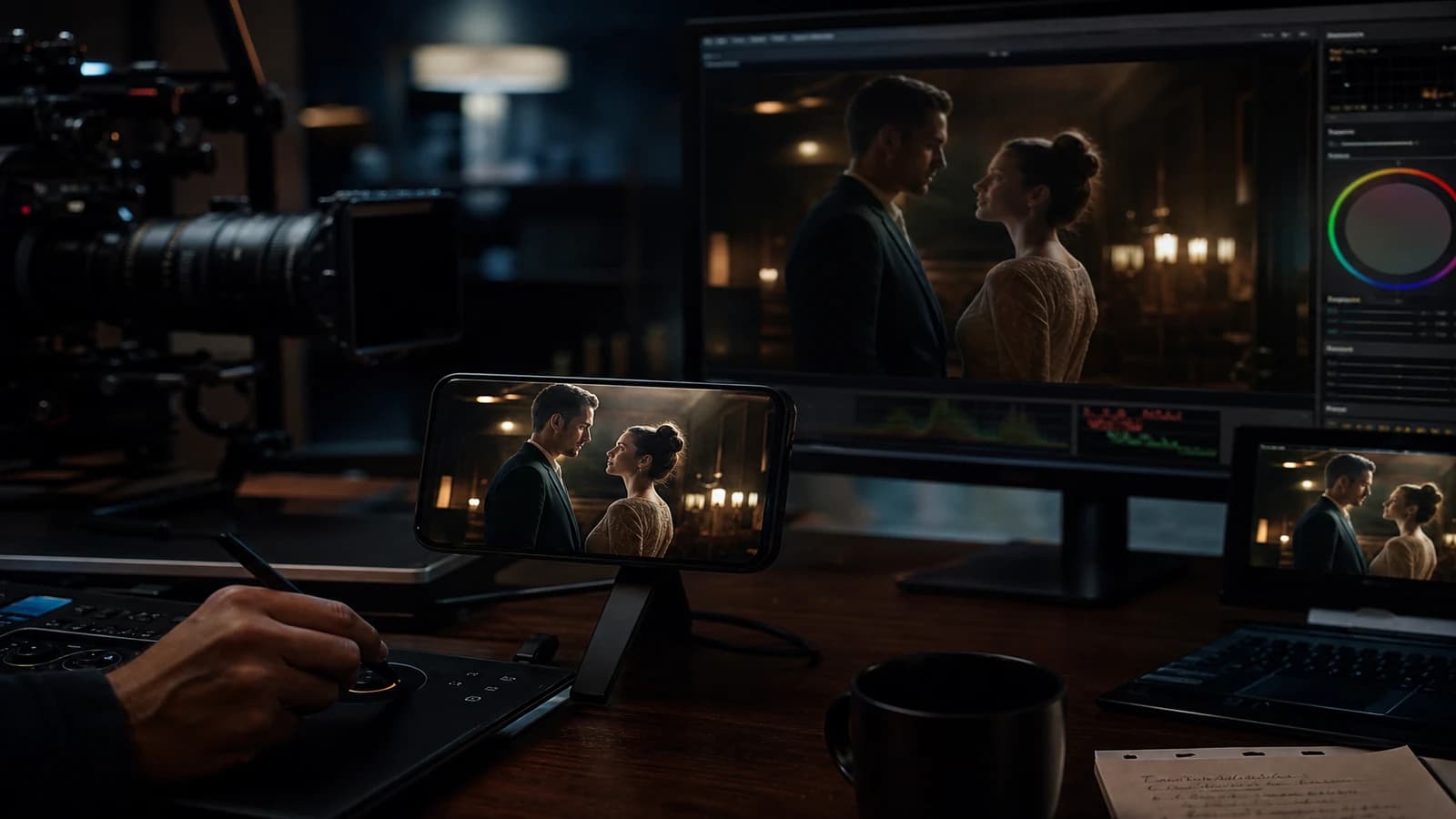
Minimum chain: main monitor, standard laptop, smartphone. If you only have two screens, send a test export to your phone through a clean channel (not a messenger that recompresses endlessly). Note the perceived difference on skin, edges, and micro-contrasts. Many "AI" images become so mostly after a second involuntary compression.
Useful internal links
Cross-reference with why your prompt does not work, and how to fix it, the prompt mistakes that make an AI image look artificial, and how to control visual style in an AI generation. If your subject touches video, also link to how to structure an AI video like a real film and to how to improve motion realism in AI video.
End-of-session log (template)
Date:
Slug / file:
Hypothesis of the day:
Variable tested:
Result A vs B:
Decision:
Next test:
Operational summary
For ia-dialogues-realistes-outils-conversationnels, keep three lines in your notebook: intention in one sentence, lighting law in one sentence, material proof in one sentence. If one is missing, you are not ready to regenerate en masse: you are ready to diagnose. Long-term quality comes from that discipline, not from the latest model released on Tuesday.
Related articles
 Tutoriels
Creating Realistic Rain and Snow Scenes With AI
A layer-by-layer approach to make weather, materials and motion more believable without overloading the prompt.
 Tutoriels
Video Generation: What the New Tools Change for Directors
The concrete impact of the new AI video generation tools on pre-production, hybrid shooting and post-production.
 Tutoriels
How to Generate Special Effects (VFX) With AI Tools
A complete method to create credible AI VFX, from the shot diagnosis to the final compositing with no artificial render.