Suno Visuals: AI video clips for your songs
Suno launches Visuals: 15-second clips that follow your lyrics, lyric videos and album art. With filters that block the faces of famous artists.
Contents · 6 sections
You have a song made with Suno, and you need a visual to post it. Since November 17, 2026, Suno lets you make it in the same place: Visuals turns a track into a video clip, a lyric video or album art.
The announcement comes from Jack Brody's post, Suno's Chief Product Officer, published November 17. I read it with the product page and two press articles, Music Business Worldwide and The Next Web, on November 18. I have not tested the tool yet.
What Suno launched
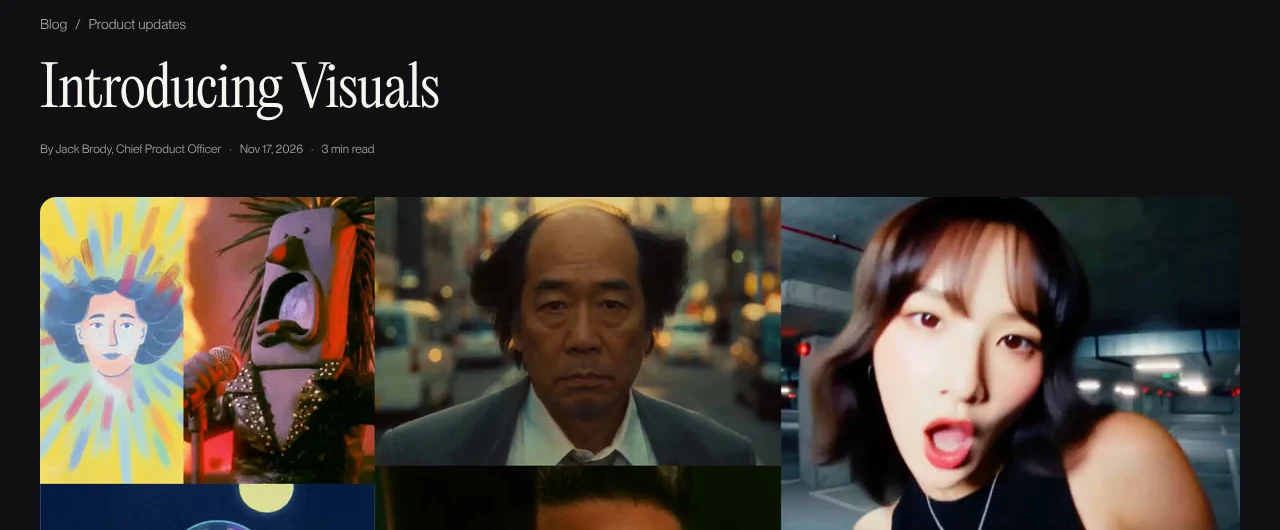
Source: Suno blog, captured on November 18, 2026.
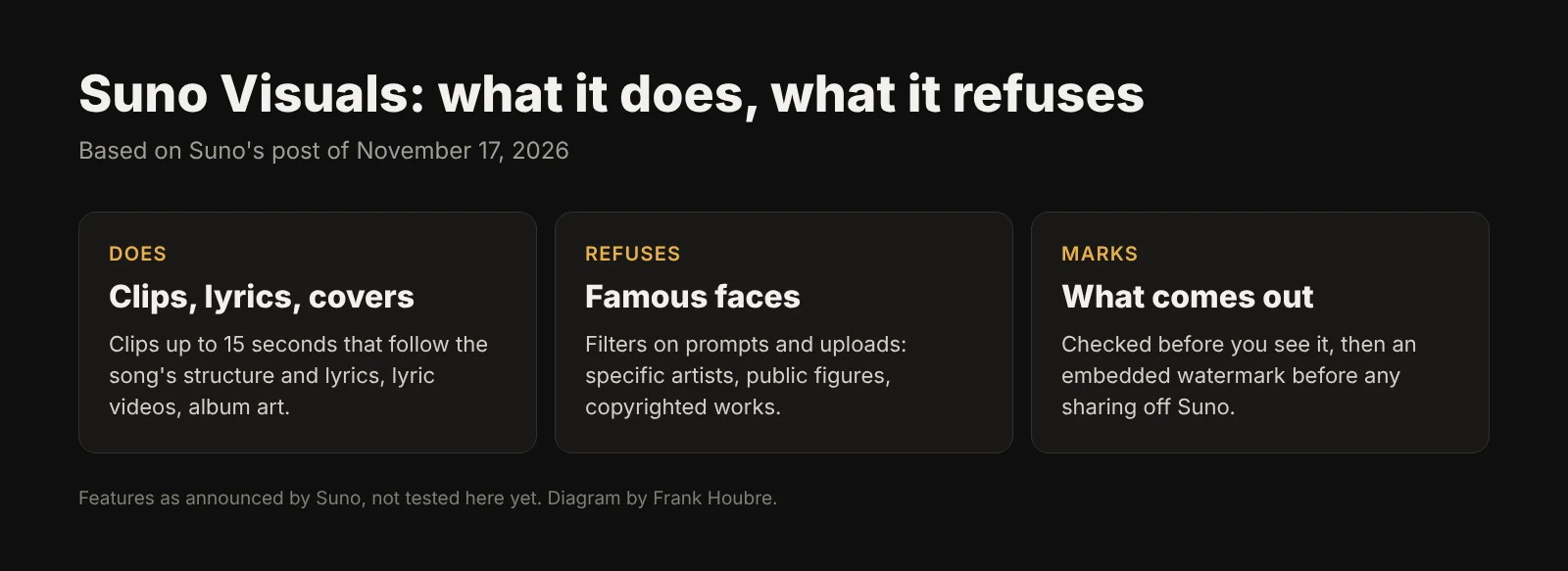
According to Suno, Visuals does three things:
- Video clips up to 15 seconds, from a song dragged in from your library. Suno writes that the clips "follow your song's structure, pick up on your lyrics and lip sync right along with them". You can then extend, edit and re-prompt them with text.
- Lyric videos that move with the beat, with adjustable font and colors according to the product page.
- Album art, and clips made from a photo of your own.
To avoid the blank page, Suno provides house characters, or you upload your own image. Visual credits are separate from song credits and bought on their own. Suno says it is launching "today on web, iOS, and Android". Music Business Worldwide and The Next Web report the mobile apps coming in the next few weeks instead: check your app.
The model is not Suno's own. According to the product page FAQ, it is called H3 Move and is based on MiniMax's H3, tuned by Suno. Music Business Worldwide notes that MiniMax is being sued by Disney, Universal and Warner Bros. Discovery over images of their characters.

Source: Music Business Worldwide, captured on November 18, 2026.
The filters: what Suno refuses to do
This is the most interesting part for a creator. Suno announces text and visual filters that block uploads and prompts trying to depict specific artists, public figures, copyrighted works and IP. And the company owns it: prompts that work elsewhere "may not work on Suno and that's by design".
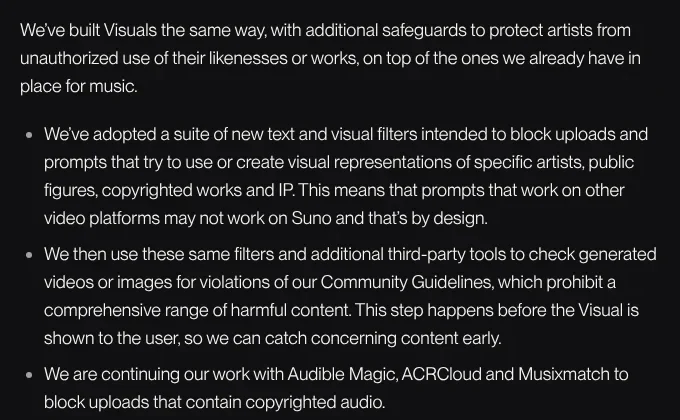
Source: Suno blog, captured on November 18, 2026.
The rest of the setup, again according to Suno:
- every generated video or image is checked before you see it;
- an embedded watermark is added before anything is shared off Suno;
- the first time you upload an image, Suno reminds you the tool is for original creation and asks you to confirm you have the rights.
What it changes for a creator
For an independent musician, it is mostly a time saver on short formats. A 15-second clip timed to the chorus is exactly what a Reel or a Short needs. The claim that clips follow the structure and lyrics is the real thing to test: it is what is missing when you cut generic shots over a track.
For a full music video, it does not replace real directing. Fifteen seconds, even extended, is not a story. In my comparison of AI tools for music videos, the difference comes down to character consistency from shot to shot, and Suno says nothing about that.
The filters will annoy people who wanted "a clip with that singer's face". Good. A clip that imitates a famous artist is a legal problem you carry, not Suno.
What I would do this week
- Test on the chorus first. Take your best track, drag it into Visuals and generate a clip on the 15 seconds of the chorus. That is the part you will post anyway.
- Start from your own image rather than a house character. A photo of you, your band or a drawing gives an identity other users will not have.
- Keep the song clean upstream. A clip that follows the structure needs a clear structure: verse, chorus, bridge. My guide to building a structured song with Suno still applies.
- Check the price before generating in bulk. Visual credits are separate, and Suno gives no price in its post.
What we don't know
- The exact price. Suno points to a credits page, with no pricing in the announcement.
- The real mobile date. Suno says web, iOS and Android from November 17; the press says a few weeks for mobile.
- Rights over the clips. The announcement does not say what you can do commercially with the generated videos, depending on your plan.
- How a long clip holds up. Nothing is said about character consistency across several extensions.
Frequently asked questions
Quick answers to the questions readers ask most about this article.
What is Suno Visuals?
It is Suno's new video and image tool, launched on November 17, 2026. It turns a song into a video clip of up to 15 seconds, a lyric video or album art. The clips follow the track's structure, pick up the lyrics and lip sync, according to Suno. You can then extend and edit them with text prompts.
How much does Suno Visuals cost?
Suno gives no price in its announcement. Visual credits are separate from song credits and are bought on a dedicated page. According to the product page, usage depends on clip length and the quality level you pick (fast or standard). Pro and Premier subscribers get a limited number of Visual credits for a limited time.
What model does Suno Visuals use?
According to Suno's FAQ, the model is called H3 Move. It is based on H3, the video model from Chinese company MiniMax, which Suno tuned and to which it added its own safeguards. MiniMax is separately being sued in the United States by Disney, Universal and Warner Bros. Discovery, according to Music Business Worldwide.
Can I make a clip with a famous artist's face?
No, by design. Suno added text and visual filters that block prompts and uploads aimed at specific artists, public figures and copyrighted works. Suno warns that prompts that work on other video platforms may be refused on its own.
Are Suno Visuals clips marked as AI?
Yes, according to Suno. An embedded watermark is added to visuals before they can be shared off the platform. Every video or image is also checked before it is shown, to catch content that breaks the community guidelines.
Does it replace a real music video?
Not a full one. Fifteen seconds per generation is built for social media: a chorus, a loop, an animated cover. For a three-minute video with a story and consistent characters, you still need real directing and editing work, with or without AI.
Related articles
 Actualité
Label the original, not the AI: what Adobe's CTO says
For Adobe's Ely Greenfield, the "made with AI" label will soon mean nothing. He wants to mark what was not generated. What that changes for you.
 Actualité
Ozzy Fox on Disney+: what Animaj's AI actually does
Ozzy Fox, animated with tools from French startup Animaj, comes to Disney+ in December. Where AI enters the pipeline, and what it does not do.
 Actualité
Film schools teach AI to screenwriters: 90% craft first
The Los Angeles Times shows how LMU, USC and Chapman teach AI to young screenwriters: 80 to 90% craft, 10% tools. What it changes for you.