The 5 Best AI Video Makers for Creating a Music Video in 2026
An expert comparison of the best AI video makers in 2026 for creating a cinematic, consistent, broadcast-ready music video.

You have a powerful track. You fire up an AI video tool. You get brilliant shots, then the edit reveals the truth: unstable faces, inconsistent energy, transitions that smell like a tech demo. I have been there more times than I want to admit. The frustration hits hard because the music is already emotionally ready.
But this is where it breaks: many comparisons rank tools on the immediate "wow". Wrong criterion. In a music video, the real battle is sequence consistency, creative control, and how the footage holds up in the edit. This guide gives you a ranking that is useful for producing, not just for testing.
How to evaluate an AI video maker when you want a real music video
The first criterion is temporal consistency. A shot that collapses after two seconds costs you correction time and breaks the rhythm of the song. Always test tools on the same motion prompt to compare objectively.
The second criterion is artistic control. Can you lock visual identity, light, texture, movement? If the answer is partial, the tool can be excellent for a prototype, but dangerous for a final narrative video.
The third criterion is pipeline compatibility. A tool can generate beautiful sequences and become painful in export, versioning or edit integration. Also evaluate the "friction time", not only the raw quality.
The fourth criterion is the iteration-to-quality ratio. You want a short loop that truly improves the shot with each version. Tools that produce spectacular but unpredictable variations tire you quickly in production.
To frame your overall workflow, connect this comparison to our complete AI music video editing workflow, our complete guide to Flux models, and our grading method for AI videos.
Top 5 AI video makers in 2026 for music videos
1) Runway
Runway remains one of the most balanced tools for creators who want to deliver fast with reasonable control. Its strength is iteration speed. In a music video, that is a massive advantage, especially when you have to test several chorus directions.
In the field, I recommend it for dynamic sections and structural transitions. It lets you quickly prototype micro-sequences, then keep the best segments in the edit.
Its limit shows up on long narratives with strict character continuity. You have to cut into short blocks and accept some stitching work in the edit.
In short, an excellent primary tool for a short or medium music video, as long as you stay disciplined about your cutting.
2) Pika
Pika is formidable for fast ideation. It gives impactful results very quickly, especially on pop and electro aesthetics. It is a powerful creative accelerator in the research phase.
I often use it as a visual language lab: testing textures, transitions, shot energy. You can validate the intention of a passage in little time.
Stability on long narrative sequences is less consistent. So you have to frame your prompts firmly and limit the complexity of the actions.
Conclusion: excellent for artistic prototyping and stylized sections, less comfortable on its own for a complete narrative video.
3) Luma Dream Machine
Luma is particularly interesting when you want organic movement and an immersive mood. On contemplative, ambient or experimental videos, it can produce very convincing visual material.
Its render is often appealing on soft camera moves and complex lighting atmospheres. It is a good option for emotional passages where texture matters more than action.
The point to watch is strict identity continuity across several demanding shots. You have to steer it with a tight visual bible.
Conclusion: a very good choice for atmospheric sequences, to be paired with a rigorous edit.
4) Kling
Kling has shown a real rise in power on motion dynamics and on holding certain complex shots. When access is stable, the quality level can be very competitive.
It is interesting for visually ambitious videos, especially if you want to push more cinematic sequences in movement.
The flip side is the need for a clean pipeline around it, because real performance depends a lot on the use context and on testing.
Conclusion: a tool with strong potential for intermediate and advanced profiles, less "plug and play" for beginners.
5) Flux pipeline + controlled animation (hybrid approach)
Technically this is not a single button, but it is often the best quality option when you aim for a consistent premium video. You first lock the master images, then you animate with control.
The major advantage is the consistency of the visual identity. You control characters, light, texture, costumes and palette better.
The cost is a higher operational complexity. This pipeline demands method, versioning and discipline.
Conclusion: the best option for a signature video where consistency takes priority over raw speed.
💡 Frank's Cut: on a chorus, pick two strong visual motifs and repeat them intelligently. The impact comes from controlled repetition, not from piling things on.
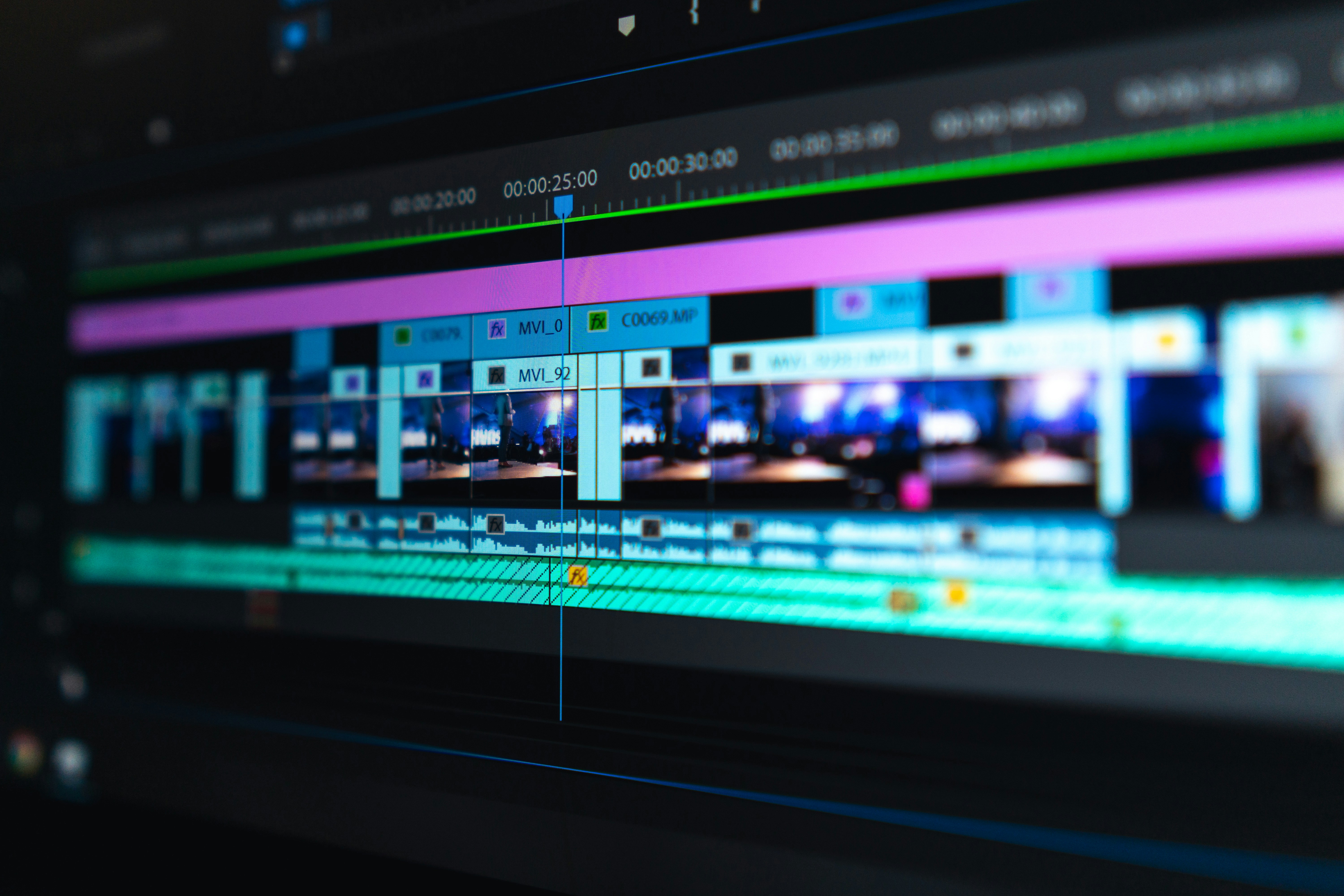
Technical comparison table
| Tool | Beginner friendliness | Artistic control | Temporal consistency | Iteration speed | Recommended use |
|---|---|---|---|---|---|
| Runway | High | Good | Good on short segments | Very high | Fast and iterative videos |
| Pika | Very high | Medium | Medium | Very high | Style and transition prototyping |
| Luma | Medium | Good | Variable | High | Moods and immersive passages |
| Kling | Medium | Good to high | Good | Medium | Ambitious sequences |
| Flux + hybrid pipeline | Low to medium | Very high | High | Medium | Premium narrative videos |
Recommended workflow to produce a consistent video
First cut the music into functional sections: intro, verses, choruses, bridge, finale. Each section must receive an explicit visual intention. If you skip this mapping, the video turns into a collage.
Then create 8 to 12 master shots to lock your world. Characters, light, texture, color grade. These shots act as an anchor for every variation.
Generate short segments (3 to 6 seconds), then assemble a rough timeline early. This step is non-negotiable. The edit immediately reveals what holds and what breaks.
Then correct in priority order: character continuity, lighting consistency, rhythm transitions, action readability. Keep the stylization for the end, after stability.
Troubleshooting: what beginners break most
Mistake 1: aiming for a story too complex for the duration. Fix: one dominant emotional idea per section.
Mistake 2: ignoring transitions. Fix: prepare dedicated bridge shots, not patched-together cuts.
Mistake 3: constant visual saturation. Fix: alternate impact shots and breathing shots.
Mistake 4: treating the music at the end of the process. Fix: edit on the final track from V1.
Mistake 5: validating on a single screen. Fix: test on mobile, laptop, wide screen before final export.
Reliable external resources
To progress sustainably, work with three serious foundations: YouTube Creator Academy for distribution, DaVinci Resolve for finishing, and Runway Learn for generation and iteration practices.
The goal stays constant: produce a video that holds up emotionally and technically from the first to the last shot.
FAQ
Which tool should I choose if I am a total beginner in AI music videos?
The best entry point remains a fast-iteration tool with a clear interface, typically Runway or Pika, then a pass through a structured edit. The trap is to look for the "all in one" solution from the start. Begin with a short video, 30 to 60 seconds, to learn the logic of sequence consistency. Once that foundation is acquired, you will be able to integrate more controlled pipelines. A beginner progresses faster with a simple, repeatable method than with a complex, poorly mastered stack.
How do I avoid the "generic AI" effect in a music video?
Lock a visual bible before generating en masse: palette, skin texture, dominant light, camera movement, recurring motifs. Then write prompts oriented toward concrete actions, not vague adjectives. In the edit, cut without mercy the shots that are beautiful but off-world. The generic look appears when you favor permanent novelty over consistency. A strong video repeats visual choices with intention. It is that controlled repetition that creates an identifiable, credible signature.
Can you make a 100% AI video that looks professional?
Yes, but you have to accept a production discipline similar to a real shoot: pre-production, shot breakdown, continuity, edit, sound, finishing. 100% AI with no method often gives a "tool demo" result. 100% AI with a tight pipeline can produce a very convincing render, especially on short or stylized formats. In practice, many pro creators choose a partial hybrid to secure certain critical shots. The choice depends on your aesthetic ambition, your time, and your tolerance for technical iteration.
How long does it take to produce a 3-minute AI video?
Depending on your level and your art direction, count on 3 to 10 days of serious production. The bulk of the time rarely goes into raw generation. It goes into selection, continuity, rhythm corrections, and audiovisual finishing. You can reduce that time with a clear breakdown, validated master shots, and a clean versioning system. Without a framework, you can spend 20 more hours for an inferior result. Speed comes from method, not just from the tool.
What is the most expensive mistake in AI video production?
The most expensive mistake is validating image by image instead of validating in sequence. A shot can be excellent on its own and ruin continuity in the timeline. This mistake triggers a cascade of late corrections: color grade, transitions, regeneration of pivot shots, audio remix. The solution is simple: assemble early, test early, correct early. The longer you postpone sequential validation, the more the cost explodes at the end of the project. The early edit is your main quality insurance.
Do I absolutely have to use the "most powerful" tool of the moment?
No. The "most powerful" tool in benchmarks is not always the best for your real pipeline. What matters is the fit between your level, your available time, your art direction, and your ability to iterate cleanly. Many solid videos are produced with "less spectacular" but better-mastered tools. The pro choice is pragmatic: stability, adjustment speed, output quality, edit integration. The best tool is the one that lets you deliver a consistent, broadcast-ready video without burning yourself out.
Field deep dive
The 5 best AI video makers for creating a music video in 2026. This chapter extends the angle "An expert comparison of the best AI video makers in 2026 for creating a cinematic, consistent, broadcast-ready music video." for the real subject behind 5-meilleurs-ia-video-maker-clip-musical-2026. The goal is not to stack adjectives, but to install a short QA loop you can reuse on every deliverable: capture, note, compare, decide, archive. Most creators waste time because they mix three variables in one session, then blame the model. When you separate light, composition, texture, intention, you get back an honest diagnosis and measurable progress.
"One variable" protocol (30 minutes)
Minute 0 to 5: write the sentence "what the viewer must believe with no caption". Minute 5 to 12: list three possible visual proofs (cast shadow, prop in use, consistent reflection). Minute 12 to 22: generate two images that differ by only one of those proofs. Minute 22 to 28: test on a mobile thumbnail and full screen. Minute 28 to 30: choose A or B and name the winning criterion in the project file. This protocol avoids the drift where each regen changes everything except the initial problem.
Scenarios A, B, C with pivots
Scenario A. Render too clean, too showroom. Pivot: add a localized trace of use and a more marked side light, without touching the subject if the geometry is good. Scenario B. Cluttered image with no hierarchy. Pivot: remove two objects from the prompt, recenter the contrast on the subject, or tighten the framing. Scenario C. Spectacular but cold image. Pivot: lower the global saturation slightly, add a fine, even grain in post, then regenerate only if the geometry or the perspective still lies.
Trench warfare: ten frequent traps
- Fixing everything at once. You no longer know what saved the image.
- Comparing only full screen. Mobile often exposes fake luxury.
- Ignoring rhythm upstream of the video. Even upstream, think about cutting and the breathing of shots.
- Copy-pasting prompts with no local brief. The words must fit your real subject.
- Aggressive global sharpening. Garish edges read as "digital".
- Too many contradictory adjectives. One dominant intention is enough at the start.
- No archive text file. You lose the seed, the version, and the reason for the choice.
- Validating while tired. Fatigue makes "beautiful" out of what is only familiar.
- Stacking models on the same day. You compare different chains, not settings.
- Delivering with no A/B. The client or your future self will not know what was acceptable.
Quick decision table
| If you observe | Priority action |
|---|---|
| inconsistent light | simplify the sources |
| subject drowned | framing or contrast hierarchy |
| plastic texture | fine grain or less HDR |
| impossible hands | off-frame or trivial action |
| catalog set | micro wear and a functional prop |
| empty sky | cloud volume or motivated haze |
| impossible reflections | reduce the contradictory sources |
Client or commissioner workshop
Even for yourself, write a mini brief: audience, channel, expected reading time, prohibitions (violence, brands, real faces). For a team, add a "proof of compliance" column: capture of the service's terms, model version, export date. That column saves you when a broadcaster asks where the image comes from.
Extended FAQ
Should I deliver two versions? Yes, A and B with one named sentence of difference, otherwise the discussion stays vague. Should I document the prompts? Yes, even partially: it is your internal quality insurance. What if the model changes? Set a test brief and compare before continuing a series. Does manual retouching cheat? No if you own the chain and the contractual limits. How much time per serious image? Often longer in validation than in raw generation, plan for it in the quote. Do I need a technical target? Yes: final resolution, color space, headroom on highlights if there is social compression. And intellectual property? Check the terms of service and the rights on the references included in the prompt.
Multi-screen control station
Minimum chain: main monitor, standard laptop, smartphone. If you only have two screens, send a test export to your phone through a clean channel (not a messenger that recompresses endlessly). Note the perceived difference on skin, edges, and micro-contrasts. Many "AI" images become so mostly after a second involuntary compression.
Useful internal links
Cross-reference with why your prompt does not work, and how to fix it, the prompt mistakes that make an AI image look artificial, and how to control visual style in an AI generation. If your subject touches video, also link to how to structure an AI video like a real film and to how to improve motion realism in AI video.
End-of-session log (template)
Date:
Slug / file:
Hypothesis of the day:
Variable tested:
Result A vs B:
Decision:
Next test:
Operational summary
For 5-meilleurs-ia-video-maker-clip-musical-2026, keep three lines in your notebook: intention in one sentence, lighting law in one sentence, material proof in one sentence. If one is missing, you are not ready to regenerate en masse: you are ready to diagnose. Long-term quality comes from that discipline, not from the latest model released on Tuesday.
Related articles
 Tutoriels
Generating the Original Score of Your Film or Clip With AI Music
A complete method to generate an AI score that serves the narration, the rhythm and the emotion of a film or a clip.
 Actualité
Leonardo AI: The Best Free Alternative to Generate Images?
A complete test of Leonardo AI to find out whether it can really replace paid tools, with a realistic workflow and concrete limits.
 Tutoriels
Creating Realistic Dialogues With the Help of Conversational Tools
A field method to use ChatGPT, Claude, Gemini or Mistral as improvisation partners and write truer dialogues.