Structuring a Final Validation Checklist for an AI Project
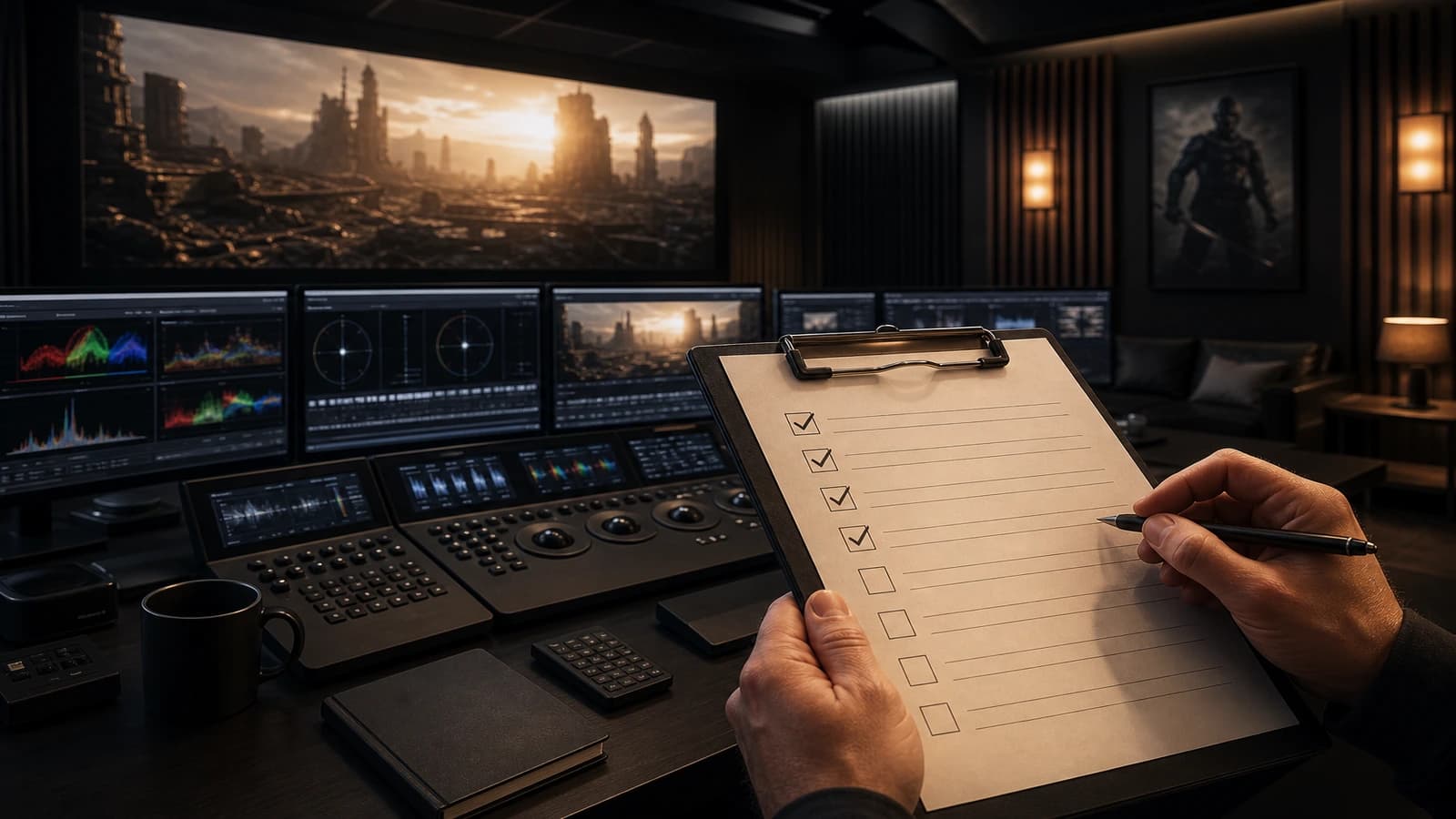
A complete checklist before sending to the client to validate image, sound, narrative consistency and technical compliance.
Contents · 11 sections
You click Export. You send. The next day, the client notes that the logo is blurry at 0:08, that the voiceover cuts before the last image, that shot 4 does not look like the others, and that the file exceeds the max size of their platform. You reopen the project in a hurry. Each point would have taken thirty seconds to check the day before. You did not lack skill. You lacked a final validation checklist.
Structuring a final validation checklist for an AI project is not ticking boxes out of bureaucracy. It is installing a quality barrier between your edit and the outside world. AI video accumulates fragilities invisible at the first viewing: face micro-drifts, light inconsistencies between regenerated shots, compression artifacts, loudness incompatible with the ad specs. A well-designed checklist turns these blind spots into precise questions you answer once, calmly, before sending.
This guide gives you the checklist I use before each client delivery or publication: image, sound, narration, technical, compliance. You can copy it, adapt it, integrate it into Notion or a simple Markdown. The important thing is to never again send a master telling yourself "we'll see".
Why the final QA is different in AI video
In classic shooting, many problems are visible on the set. In AI, you sometimes discover defects only at the compression or on mobile. The models produce seductive images at first glance that collapse in slow motion or full screen. The AI checklist must include passes that traditional cinema would delegate to the DIT or the script supervisor: detail stability, inter-shot consistency, version traceability.
The second specificity: the project is often an assembly of heterogeneous generations. Shot 2 regenerated three times. Shot 5 from another engine. With no narrative and light checklist, these seams stay invisible to you (tired) and visible to the client (fresh). The final validation is the moment when you force yourself to look like a stranger.
The third specificity: the technical deliverables multiply. Master, vertical, preview, stems, SRT subtitles, version with no burn-in. A checklist per deliverable avoids sending the right file to the wrong recipient.
Link this step to preparing a client feedback versioning system for AI and to structuring a validation checklist multi-screen. The final checklist precedes the LOCK version.
💡 Frank's Cut: do the checklist cold, minimum four hours after your last edit. Tired eyes sign off on defects you no longer see. The next morning, you are merciless, and it is exactly what you need.
The five-block structure of the checklist
| Block | Focus | Indicative time | Blocking if failed |
|---|---|---|---|
| Image and grading | Exposure, skin, grain, consistency | 25% | Yes |
| Sound and loudness | Levels, sync, music, VO | 20% | Yes |
| Narration and edit | Rhythm, matches, readability | 25% | Yes |
| Technical export | Codec, resolution, weight, metadata | 15% | Yes |
| Compliance and deliverables | Rights, logos, versions, naming | 15% | Depending on the contract |
Each block breaks down into checkable items. A blocking item prevents the sending. A warning item authorizes the sending with a note to the client. This distinction avoids the paralysis on an imperceptible mobile grain while blocking a cut VO.
Block 1: image and grading
Switch the video to full screen, calibrated screen if possible. Watch once with no stopping for the global rhythm. Watch a second time pausing on each cut for the matches.
Check the skins: no porcelain, no flicker between shots, no color demarcation line on the neck. See treating skin and face in AI video post if a shot poses a problem before delivery.
Check the hands and fine objects: fingers, glasses, watches. The AI leaves signatures there. An extra finger on a hero shot blocks the delivery or imposes a recrop.
Check the light consistency between consecutive shots: shadow direction, temperature, contrast. Note the off-family shots and harmonize or replace.
Check the grain and sharpness: uniform over the sequence? An over-cleaned shot next to a grainy shot screams "collage". Apply a common finishing grain if needed.
Check the frame edges: artifacts, distortions, gibberish text on signs or screens. Blur or recrop rather than deliver an unreadable AI logo.
Block 2: sound and loudness
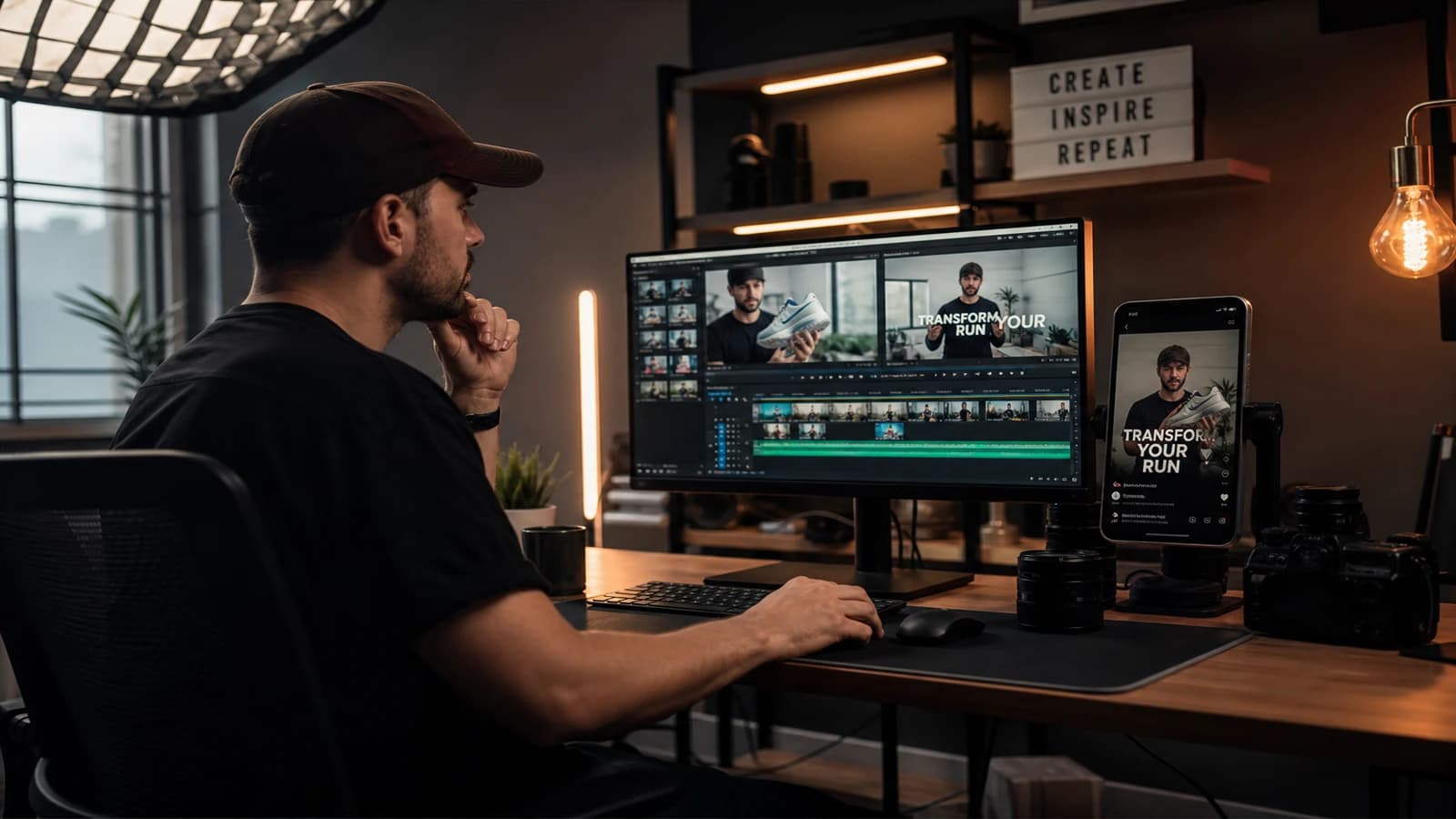
Listen on closed headphones, then on a laptop speaker, then on a phone. Three contexts, three truths.
Sync: lip movements if face visible, sound impacts on cuts, no VO offset at the end of the shot.
Levels: intelligible dialogue without turning the volume to the max. Music under the VO, not the opposite. No audible digital clip.
Loudness: for social advertising, aim for the LUFS markers of the target platform (often around -14 LUFS integrated for YouTube, variable specs for broadcast). Use an analyzer integrated in Resolve, Premiere or a dedicated tool.
Silences: no abrupt cut at the end of the file. Room tone or clean fade out. No parasite hum added by a too-aggressive denoise.
Rights: music and SFX licensed or documented. Note it in the deliverable folder.
Block 3: narration and edit
Read the brief one last time. Does the video answer the promise in one sentence?
Hook: do the first three seconds hook on mobile with no sound? If not, the edit or the burn-in text must compensate.
Clarity: does a new viewer understand the action with no oral explanation?
Rhythm: shot lengths consistent with the format (15 s ad vs 3 min brand film).
Matches: gaze, 180° axis, costume and setting continuity. Does the regenerated shot 4 break the scene?
On-screen text: spelling, timing, safe zones. Reread the VO aloud if present.
Block 4: technical export
Resolution and fps: compliant with the contract (e.g. 1920x1080, 25 fps for Europe).
Codec: H.264 or ProRes according to the deliverable. Profile and bitrate adapted (not a 500 MB for an email preview).
File names: versioning convention respected. No final3.mp4.
Duration: exact to the frame if client spec.
Metadata: title, copyright if required.
Test the playback of the exported file on an external player (VLC, QuickTime), not only in your timeline. Corrupted exports happen.
Block 5: compliance and deliverables
Versions: master, vertical, preview, SRT, stems listed and present.
Logos and legal mentions: present, sharp, sufficient duration.
AI clause: if the contract requires a mention of generated content, it is there.
Internal archive: LOCK prompts, changelog, up-to-date breakdown.
Checklist signed (you or QA manager) with a date before the client upload.
Workflow: the QA pass in 90 minutes
0-20 min: continuous viewing, rough timecode notes. 20-45 min: image pass shot by shot on the risky zones (faces, hands, logos). 45-60 min: sound and loudness pass. 60-75 min: technical file and naming check. 75-90 min: deliverables compliance, checklist signature, sending.
For a 15-second spot, compress to 45 minutes. For a 3-minute film, plan a half-day. Never compress the mobile pass: send yourself the file and watch on a phone.
Field scenarios: three real projects
The spot delivered with an artifact (Paul, Nantes)
Paul had validated the edit at night. The client saw a fused finger at 0:06 on a big screen in a meeting. Since then, Paul does the checklist the next morning and a "big screen" pass on an HDMI TV. The finger would have been classified blocking.
The ad with incompatible loudness (Amina, Brussels)
Visually perfect export. Rejected by the ad aggregator for loudness too high. Amina added a blocking loudness item with a threshold written in the checklist. No more technical rejection.
The short film with shot-7 inconsistency (Diego, Mexico)
Shot 7 regenerated in a hurry, colder light. Diego did not recheck it in the consistency pass. The client saw it in one second. Now, each shot regenerated post-edit goes back through the whole image block of the previous and next shot.
Troubleshooting: what beginners break
Checklist in the head. Symptom: recurring omissions of the same type. Fix: written document, even for personal projects.
A single pass on a single screen. Symptom: bad mobile surprises. Fix: mandatory phone + desktop.
Validating under minute pressure. Symptom: sending with an obvious defect. Fix: 24 h buffer in the client planning.
No blocking/warning distinction. Symptom: everything blocks or nothing blocks. Fix: define the two levels in advance.
Forgetting to regenerate the checklist after a major change. Symptom: LOCK version with an old defect corrected elsewhere. Fix: any post-QA regeneration = new complete pass or at minimum the impacted blocks.
Identical checklist for preview and master. Symptom: the client validates a light H.264 then the delivered ProRes differs. Fix: item "delivered derivative = file tested in streamed mobile QA" or redo QA on the final master.
Forgetting the big-screen pass. Symptom: artifact invisible on a laptop, visible in a TV meeting. Fix: HDMI to a consumer TV or a projector on a blocking image item for the trade-show presentation deliverables.
For the loudness and broadcast markers, the EBU documentation on loudness and the YouTube guides on sound are solid references.
Frequently asked questions
Quick answers to the questions readers ask most about this article.
Do you need a different checklist for social advertising and brand film?
Yes, adapt the thresholds and the items. Social advertising requires strict loudness, a 3-second hook, UI safe zones, an exact short duration. The brand film requires long narrative consistency, breathing of the shots, maybe a ProRes deliverable. Keep the same five-block frame, change the blocking items. A table per project type in Notion avoids reinventing each time. The checklist is not universal: it is configurable.
Who must sign the checklist on a solo project?
You, but not in the hour following the edit. The ideal: a re-reading after rest, or a peer review if available (even 15 minutes from a creative friend). Solo, the signature is mostly a commitment: "I passed each item". Date and version of the associated file. If you are alone, record a screen recording of your QA pass for high-stakes projects: a useful internal proof in case of dispute.
How many minor defects can you tolerate?
Zero on the blocking items. On the warnings, the neutral-viewer rule: is it visible with no searching, on mobile, in one reading? If yes, correct. If no and if the deadline is real, document it in the changelog: "micro-flicker shot 3, invisible on mobile, corrected if V02 regeneration". Do not confuse paralyzing perfectionism and contractual defect. A blurry logo is blocking. A slightly stronger grain on a B-roll shot is often a warning.
Does the checklist replace the client feedback?
No. It precedes the sending to REVIEW. The client validates the creative intention; you validate the technical execution and the consistency. The checklist reduces the feedback of the "the sound cuts" or "it is blurry" type that humiliates and costs dearly. The creative feedback stays normal. The goal is to no longer send technically botched work.
How to integrate the checklist into Notion or a GSheet?
Create a base with columns: Project, Version, Item, Status (OK/KO/NA), Timecode, Comment, Blocking (yes/no). Duplicate the template per delivery. Link the Notion link in the client email with the REVIEW version. For teams, assign blocks (image to A, sound to B). The tool matters less than the habit: the same checklist on each project ends up becoming a fifteen-minute reflex.
Should I redo the whole checklist if I change a single shot?
Minimum: image block on the adjacent shots, sound sync if the shot has audio, total duration, technical export. If the change touches the global grading, redo the whole image block. If you change the music, redo the whole sound. Do not say "it is just one shot" without checking the seams. The last-minute regenerations are the number-one cause of failed deliveries.
Which AI-specific items to add compared to classic video?
Face detail stability over the duration of the clip, hand consistency, gibberish text on signs, style drift between shots from different engines, watermark or model artifact at the frame edge, trace of the LOCK prompts in the archive. These items do not exist on a classic Alexa shoot. They are the price of the AI flexibility.
Structuring a final validation checklist for an AI project
is refusing to let the end-of-project fatigue decide your reputation. When each deliverable goes through the five blocks, you send with confidence, the client receives pro work, and you sleep the night of the upload.
Related articles
 Tutoriels
Keeping Props and Accessories Consistent on an AI Project
A tracking system for key objects to avoid inconsistencies in shape, color and position from one shot to the next.
 Tutoriels
Creating a Location and Set Bible for an AI Project
How to document each set to keep the same visual mood from the pilot to the final delivery.
 Tutoriels
How to Go From Storyboard to Final Video
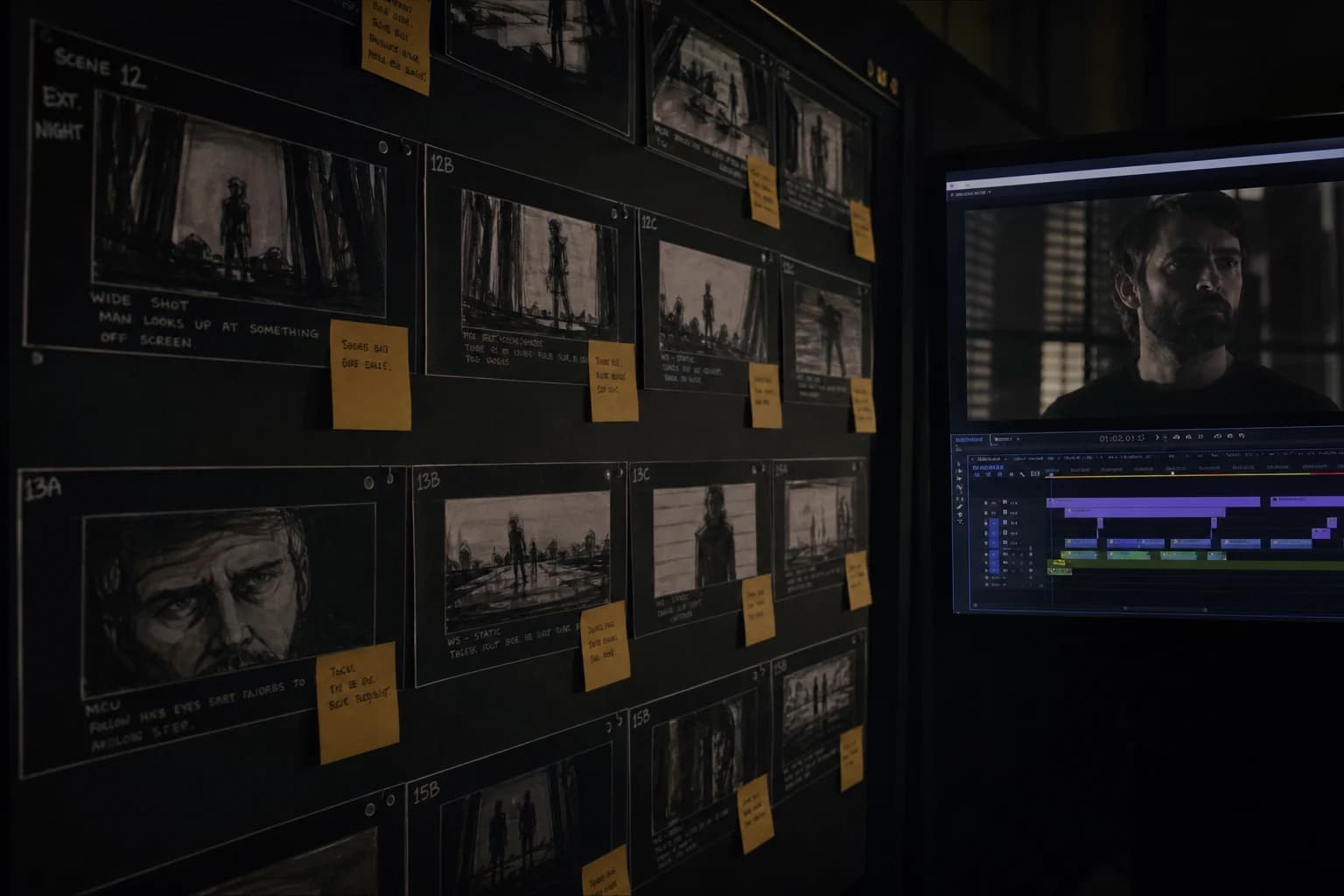
A complete method to go from storyboard to final video with AI: pilot-image lock, disciplined animation, temporal QA, editing and delivery with no drift or client surprise.