Dzine: the AI That Creates Consistent Characters and Animated Films
A pipeline to lock a character, animate without drifting, and put out usable clips, with the spirit of a small studio, not a plastic demo.
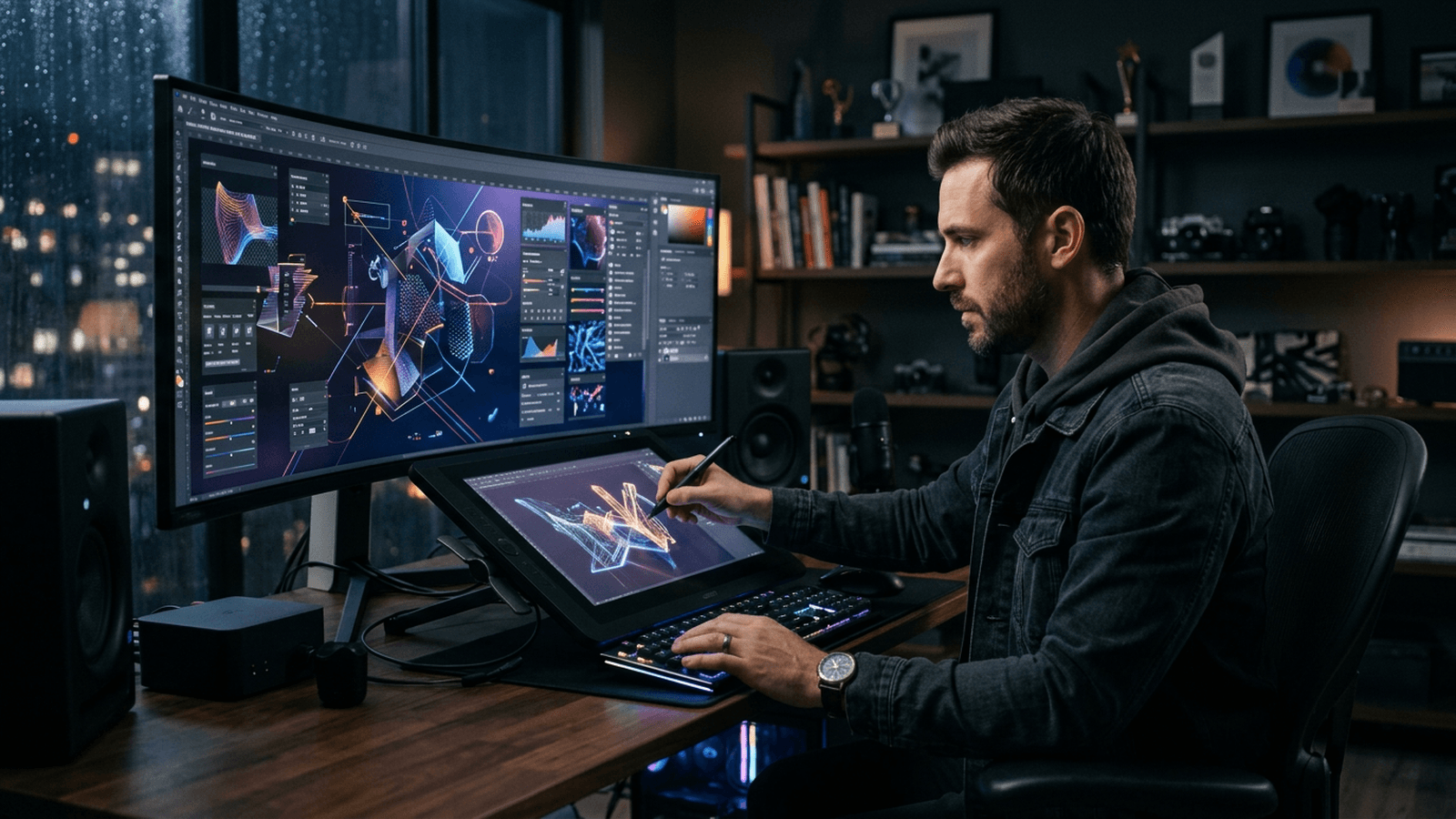
You want a character who stays themselves across several shots, then a short sequence that does not look like the "AI 2024" demo ad recognizable at the first plastic reflection. You generate, you smile, you zoom: the fabric material has changed, the jaw has slid, the background lamp now lights the other side of the face for no narrative reason. It is not a personal flaw: it is the cost of a fuzzy brief and a chain where design and movement are not locked like on a small set.
Dzine presents itself as an AI image and design platform focused on controllability: in practice, tools to generate, edit, animate, sometimes from references (image, video) depending on the modules available at the date you read these lines. The marketing argument "most controllable" translates for you into simple questions: can I lock a look, repeat a character, and correct a zone without destroying everything? The features evolve fast: always cross-reference with the official site and the release notes for the exact tool names and the export limits. What I describe here is a pipeline spirit: freeze a design, animate with restraint, critique, correct locally, finish in post, with no fantasy of the feature in one click.
Three figures. Léa chains ten "stylish" faces for a hero: none is the same actor. Karim wants a mascot next to a real product: the logo melts and the hand has six fingers. The two partners hold episode 1, lose the face by episode 3. The method below transposes what a mini studio would do: bible, canon master, session log, targeted corrections.
Deliverable commitment. Choose four to twelve finished seconds or a validated character board before "collecting almosts". The locking discipline beats infinite exploration.
If you generate an ambience illustration locally (Flux, SDXL, etc.) to document your article or your moodboard, keep a fixed series head and vary only the scene in your head before writing the prompt.
[CANON_CHARACTER]: silhouette + costume + material + owned flaw 1
[SCENE_BRACKET]: place + action + visible obstacle
[LIGHT_LAW]: dominant direction + quality (hard/soft)
[CAMERA]: felt focal length + height + psychological distance
Negative: complex hands for no reason, blurred logos merged with the set
Key concepts: character, consistency, movement
Character ≠ face alone. Silhouette, weight, costume, implicit gait, signature color. When you choose a "canon" version, you treat it like a photo casting: you freeze it before animating.
Consistency = correlation between shots. If the sweater is wool in the wide shot, it does not become metallic in the close-up for no reason. The AI tips over if you do not recall the textile contract and the light.
Readable movement. A head that pivots too fast, an arm with no anticipation: the eye reads the fake before the brain names it. Aim for simple beats, test short, raise the complexity only when the chain holds.
Video reference. On some flows (for example tools of the Wan 2.2 Animate type presented on the Dzine site to animate an image from a reference video, or for character replacement in a video), the quality of the source clip conditions the result: clean cut, no wild focal length jump if you want stability. Check the proposed modes (character animation versus replacement) in the current interface.
3D character generation / view sheets. Dzine highlights a 3D character generator with multiple views (front, profile, back) useful for previsualization and alignment: useful to lock a silhouette before going toward animation or boards. Again, the exact options (styles, photo import) are in their documentation.
Motion Control and integrations. The public release notes mention for example the integration of Motion Control with Kling 3.0 for advanced movement capabilities, as well as evolutions of editors and result panels. Field translation: the names change, the discipline does not: note what your account displays today.
Conversational editing / edit chat. Some updates talk about model-assisted editors of the Qwen type to retouch a region without regenerating everything. Useful principle: small zone, precise instruction, otherwise you reintroduce chaos into the hands or the fabric.
Post-production. Light grain, consistent grading, sometimes offline compositing for logo and typo. The grain glues the too-clean zones; see how to add cinema grain to an AI image.
For the structuring text (character sheets, brief), you can lean on an LLM with ChatGPT prompt: essential, but what is it?: the validation stays human.
Mental sliders. Imagine three axes: design consistency, movement amplitude, time spent in correction. Raising the amplitude before the consistency costs dearly. Raising the polish time without changing the brief is polishing emptiness. Healthy order: consistency, then modest movement, then finishes.
Transfer from a static image. When a chain offers to animate a locked portrait from a video performance, the result depends on the stability of the source clip (horizon, exposure, hand occlusion). Stabilize or choose a sequence where the gestures stay in a reasonable envelope.
"Agent" or graph type modules. The general market idea is to sequence beats with readable transitions. Think animatic: you validate the rhythm before pursuing the cosmetic detail.
Three scenarios with pivot
Silent short film, one hero. Pivot: one canon line + three angles (front, three-quarter, profile) same light; explicit prohibition to change the textile material between shots; local corrections rather than total regeneration when a detail breaks.
Self-produced ad, product + mascot. Pivot: separate the set/subject generation and the logo compositing in an NLE or a mastered tool; the AI poorly avoids the critical brand edges.
Three-episode series, same hero. Pivot: frozen reference exports from episode 1 reinjected before each new scene; prompts/settings log as in production.
Practical workflow: design, movement, multi-shot
Phase A: Design and material truth
- Character sheet in text: felt age, anchored costume (material, color, wear), rare accessory, prohibitions.
- Generate little but deep: a compact board, not twenty parallel styles.
- "Expert novice" critique: hands, teeth, ears, shadows on the fabric.
- Export a named, dated master: your canon reference.
Compact brief schema for your project folder:
Master file name:
Silhouette (3 words):
Costume (material + color + wear):
DISTINCTIVE signals forbidden to change:
Light law single sentence:
Canon shots to reinject (file paths):
An animated character's consistency starts like a set consistency: same sources, same proportions, same owned flaws. If you pursue the smooth perfection, you get the plastic; if you pursue a material truth, the eye forgives one grain more.
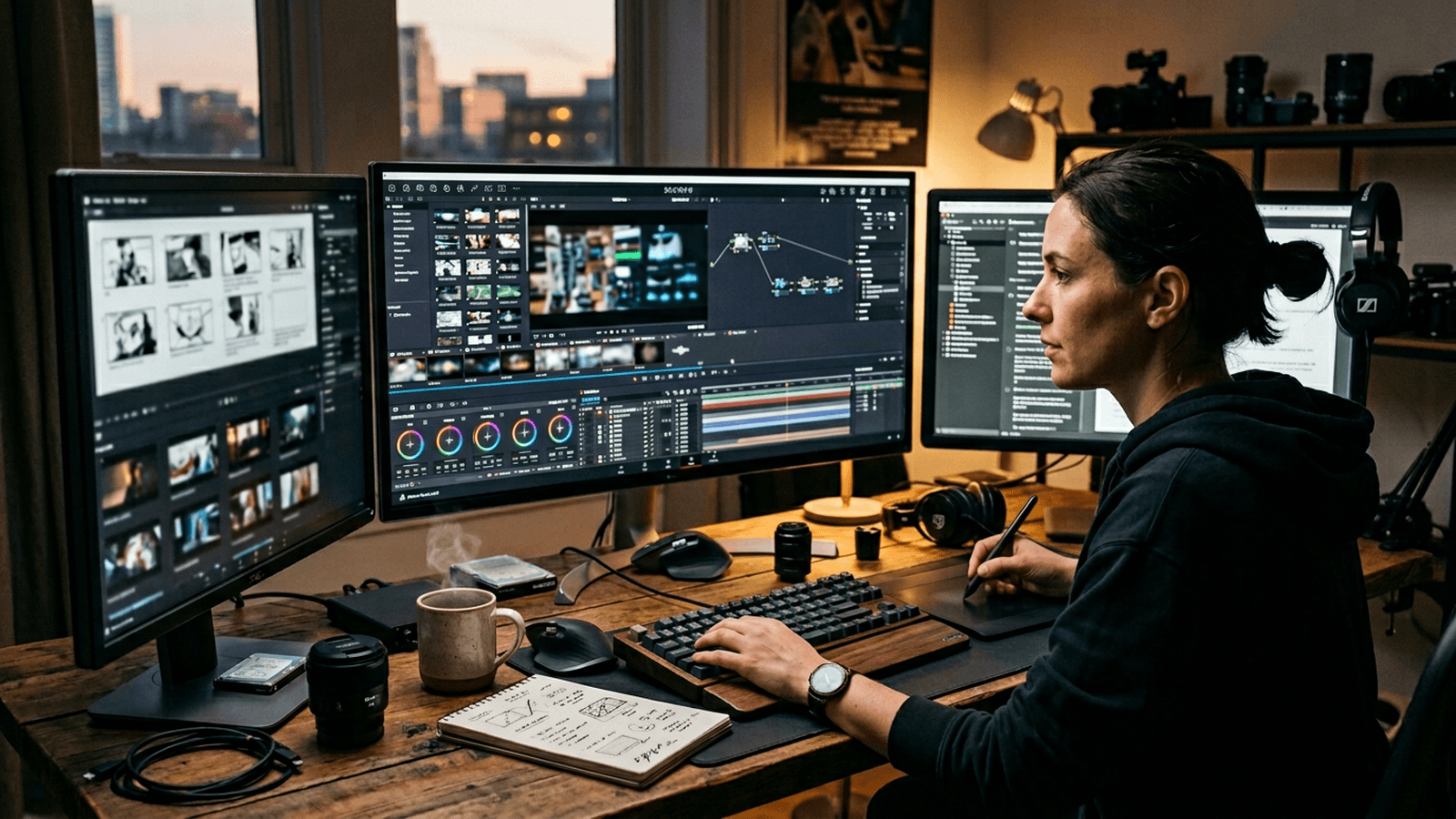
A "sheets and pencil" step to force the design before the movement:
CHECKLIST_BEFORE_ANIM
[ ] master exported and named
[ ] three angles under the same light law
[ ] sentence "what must NEVER move" written
[ ] test gesture defined in one line (verb + object + pause)
Phase B: Movement with reference and restraint
- Simple test gesture: three steps, stop, breathing.
- If you use a reference video: a stable clip, no internal jump cut if you want clean.
- Source light: harmonize the direction between the starting portrait and the reference performance when possible; otherwise the composite lies.
- Cadence: leave a half visual beat; the short ad does not need to chain ten beats.
- Multi-tool chaining: export neutral color before successive transfers to avoid the stacking of contrasts that burns the skin.
Phase C: Multi-shot consistency
- Table per shot: framing, intention, action, next link.
- Regenerate only what breaks; targeted inpainting rather than throwing everything away.
- Real-speed viewing on a phone before the master.
Phase D: Client or social delivery
- Export a compressed preview and a high-quality master if the module allows it; keep both paths in your folder.
- If you deliver several formats (16:9, 1:1, 9:16), re-grade slightly per ratio: the same blind LUT can crush the face differently when the framing changes.
- Document what is 100% generated versus retouched versus externally composited for transparency with the client or the team: especially if the brand imposes disclaimers.
DELIVERY_README (copy into the zip)
Date:
Dzine modules used (names displayed in your account):
Master:
Social preview:
Hand-retouched zones:
Video references (rights):
Remaining known limit (one honest sentence):
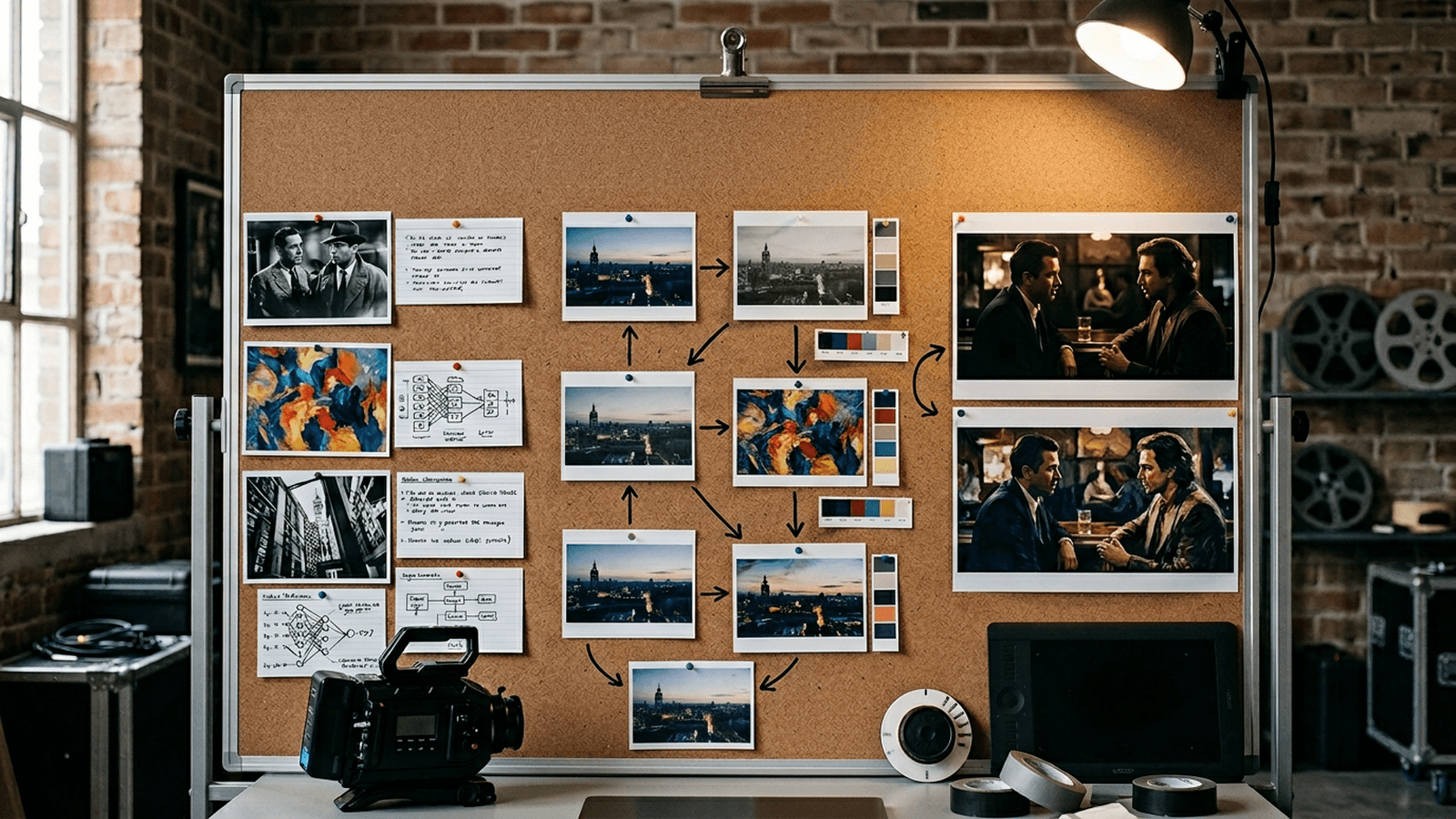
Decision table: symptom → action
| Symptom | Probable cause | Action |
|---|---|---|
| "Other" face between clips | master not recalled | reinject refs + sheet |
| Abstract hands | gesture too complex | simplify, reframe, cut |
| Changing fabric | fuzzy material brief | lock textile + light |
| Floating movement | no anticipation | slow down, pause, better ref |
| Plastic skin | smoothing + flat light | soft grain, local face contrast |
| Noisy mouth | close-up + heavy sync | widen the shot or voice-over |
For movement in general: how to improve motion realism in AI video. To move from image to video: how to turn an AI image into a fluid, credible video.
AI Studio series reading before scaling
Enrich your text bible with how to write a prompt for a realistic and consistent character and how to create consistent scenes with several shots in AI. For the cinema tone on a short sequence, move on with how to write an ultra-realistic cinematic prompt for AI then how to structure an AI video like a real film.
Trench warfare
Accumulating styles before the story. Synopsis in one sentence, three beats, then look.
An epic minute with no correction budget. Segment into validated 4-8 s.
Merging everything in one click (product + typo + hand). Separate, composite, human eye on the edges.
Ignoring the sound. A temporary track equals a better judgment on the rhythm.
Not logging. A text file: date, module, settings, final prompt.
Over-correcting to mush. One pass equals one goal.
Reference videos with no rights. Use authorized material or shoot a simple take yourself.
Believing the close-up saves. It reveals the mouth and the skin; pull back if the sync weakens.
Abandoning after an "almost" clip. Keep it as a negative reference: three precise flaws, one layer changed per iteration.
Comparing to a Disney blockbuster on a sandwich budget. Compare to references of close means; otherwise you needlessly discourage your team and yourself.
Forgetting the light direction between modules. If you go from an image generator to a video module or from one editor to another, reinject the same light sentence; otherwise the shadows "turn" without the scene changing.
Saturating early in the chain. Each transfer adds latent contrast. Work neutral in the middle of the pipeline, stylize at the end: except for a deliberately extreme look from the start.
Useful links in the AI Studio series
- How to write a prompt for a realistic and consistent character
- How to create consistent scenes with several shots in AI
- How to turn an AI image into a fluid, credible video
- How to get a cinema render with Seedance 2
Foire aux questions
Réponses rapides aux questions les plus fréquentes sur cet article.
Does Dzine replace a traditional animation studio
No, not for a complete pipeline worthy of a feature with specialized teams. Dzine can accelerate the visual iteration, the design variants and certain animated previsualizations. The art direction, the shot-by-shot dramaturgy, and the production trade-offs stay human if you want a defensible result in front of a demanding client. Think method multiplier, not a craft replacement: you gain time when your brief and your log are already sound.
Will the features listed here be identical in six months
Probably not identical: the modules evolve, merge or change name. Before a client commitment, open your account, read the official release notes, and capture a screenshot of the critical settings. What must stay stable is not the label of a button: it is your character bible, your named masters, and your delivery checklist.
How to avoid the "AI demo" look on a Dzine sequence
Reduce the gratuitous effects that scream "generative" in the foreground. Reinforce the physical decisions: stable light between modules, textile material repeated with the same keywords, readable poses with modest anticipation, sober grading at the end of the chain. Add a light even grain to glue the too-clean zones, but do not mask a hand geometry or a noisy mouth: fix the cause or reframe. The "film" render is born from the consistency between shots, not from a garish style on an isolated shot.
Should I do everything in Dzine alone or can I hybridize
Hybridizing is often preferable. Many creators export masters from Dzine, locally correct the critical zones (hands, text, logos), then edit and grade in a mastered NLE. The goal is the quality and the repeatability, not the purity of a single tool. Owning this pipeline in your quote avoids misunderstandings about what is "100% Dzine" in the marketing sense.
Text and logos in the generated image: a good idea
For critical branding, avoid merging logo and typo in the pure generative: the edges, the alignment and the anti-aliasing drift fast between variations. The good practice is a vector or typographic layer controlled in final compositing. If you must show a product label, plan a clean zone and a human retouch on the edges.
What tips for synchronized lip and voice
Start with short lines and slightly wider shots to reduce the "noisy mouth" effect. Work in segments of three to five seconds before assembling a long scene. When the lip refuses to stabilize, a cleanly edited voice-over often beats a lying close-up. To write playable sentences, cross-reference how to write an effective script for an AI-generated video.
Should I aim for 4K from the first test
No as long as the design and the movement are not stable at a reasonable working resolution. Going up in resolution early amplifies the flaws and makes you pay dearly for useless iterations. First validate the canon line, the test gesture, and the textile consistency; upscale afterward when the geometry holds.
Consistency and heavy effects: how to avoid reading jumps
The effects change the way the viewer reads the light and the face edges. If you add a particle storm or a strong bloom in the middle of the pipeline, re-export references for the next shots or freeze a documented intermediate look. Otherwise you find episodes where the "same" character seems lit by another team.
Ethics and rights on the reference videos to animate a portrait
Treat the reference like production stock: clear rights, or a personal camera take with an informed actor. The performance transfers raise sensitive questions depending on the jurisdictions and the platforms; keep a written trace of what you have the right to reuse. Do not upload sensitive personal data with no contractual frame.
Dzine versus Blender or After Effects: must you choose
It is not a fight to the death. Dzine often serves to iterate fast and to explore directions; Blender and After Effects stay relevant for precise geometry, rigs, multi-layer comps and team pipelines. Choose the tool that minimizes your risk on the deadline, not the one that flatters your "all-in-one" ego.
Why do my colors change between the preview and the final export
Check screen profiles, color tags and on-the-fly recompression. Compare on two screens, export a test frame, and note the declared working space in your NLE. Many "drifts" come from a browser viewer versus a local master file, not from an artistic mystery.
Where to reinforce the image bases before animating a character
Read how to improve skin texture in an AI image and how to control visual style in an AI generation to stabilize material and palette before moving to movement.
What is the "3D character generator" announced on the site concretely for
To produce a multi-view reading (front, profile, back) to lock silhouette and costume before animation: useful as an internal visual contract or with a client. It is not a complete substitute for a complex rig for a feature with no additional downstream work.
Anime versus photorealistic: same pipeline or not
The same discipline of bible, references and log; not the same acceptable flaw criteria. In toon, the flat line and palette tolerate simplified hands as long as the graphic consistency holds between shots. In photorealistic, a hand or a tooth out of norm breaks everything immediately: you frame tighter on the gestures and you correct earlier.
Dzine and the confidentiality of the files I upload
Read the service conditions to know what is stored, for how long, and for what training or product-improvement purposes. Do not upload sensitive personal data or trade secrets with no clear frame: your quality assurance starts with an upload hygiene.
How to test a new module without losing a day
A three-second clip, one hypothesis per series of tests, a screenshot of the settings and an identical brief sentence between A and B. If you mix three innovations at the same time, you will be able neither to reproduce a success nor to explain a failure to your team.
I want credible synchronized dialogue over several sentences
Go up progressively: one stable sentence, then two, then a short tirade after validation on mobile. Avoid the explosive consonants in a very tight close-up if your chain still moves. Alternate shots where the mouth is partially off-frame to relieve the model while keeping the emotion in the gaze and the shoulders.
Related articles
 Tutoriels
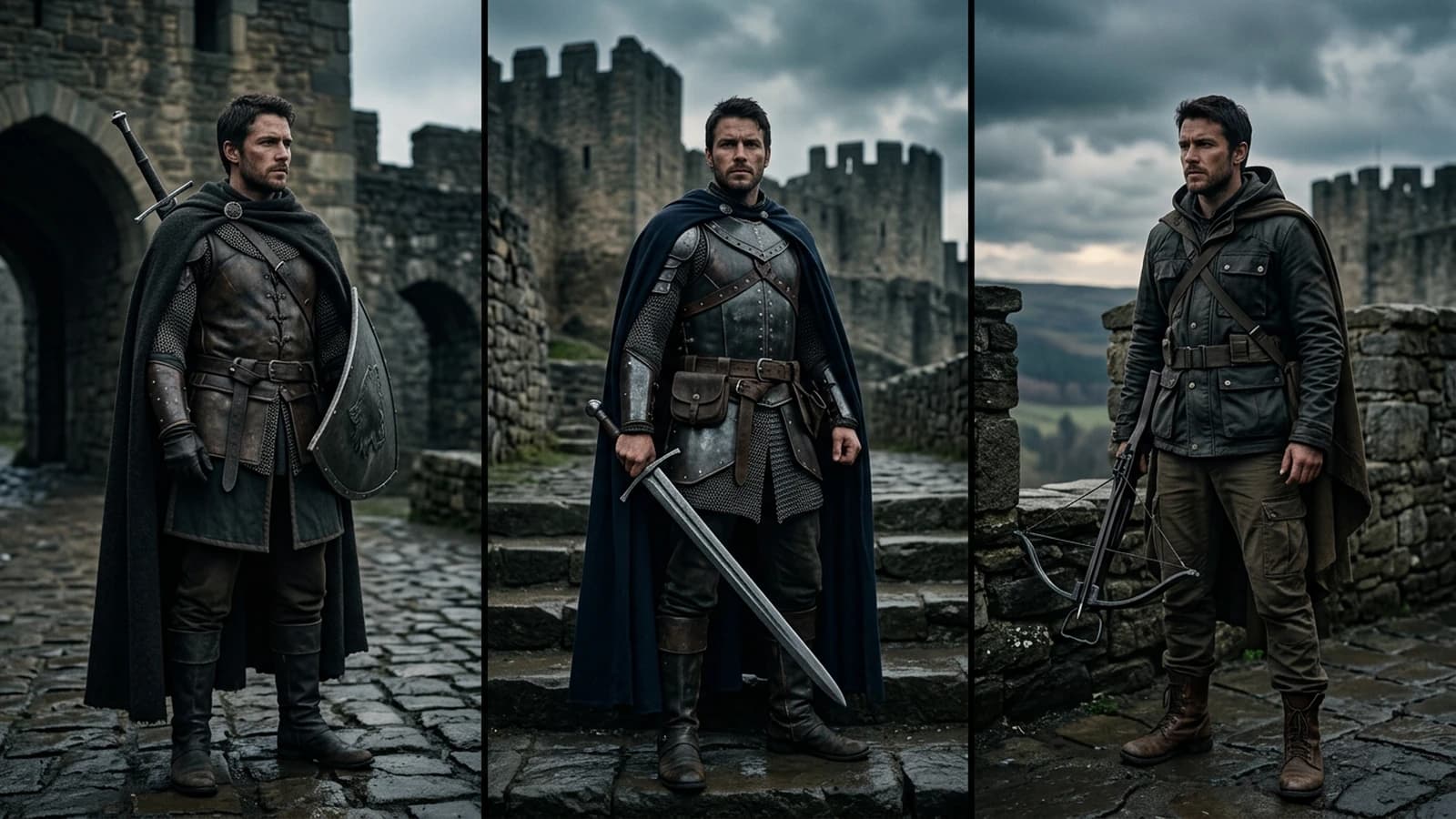
Complete Tutorial: How to Create Consistent Characters Across Several Images
Character sheet, stable prompts, seeds, LoRA, and visual QA: a studio method applied to AI image.
 Tutoriels
Nano Banana workflow to create consistent characters
Identity sheet, frozen prompts, visual QA and disciplined iterations: the Nano Banana pipeline for consistent characters over a whole series of images.
 Tutoriels
How to Write a Prompt for a Realistic, Consistent Character
Character sheet, invariants, safe angles, and handling hands and the profile.