ScreenWeaver: From Screenplay to Storyboard Without Losing the Film's Soul (Studio Guide)
Why file fragmentation kills your AI projects, how ScreenWeaver reconnects writing and images, and a field workflow with concrete settings to stay master of the render.
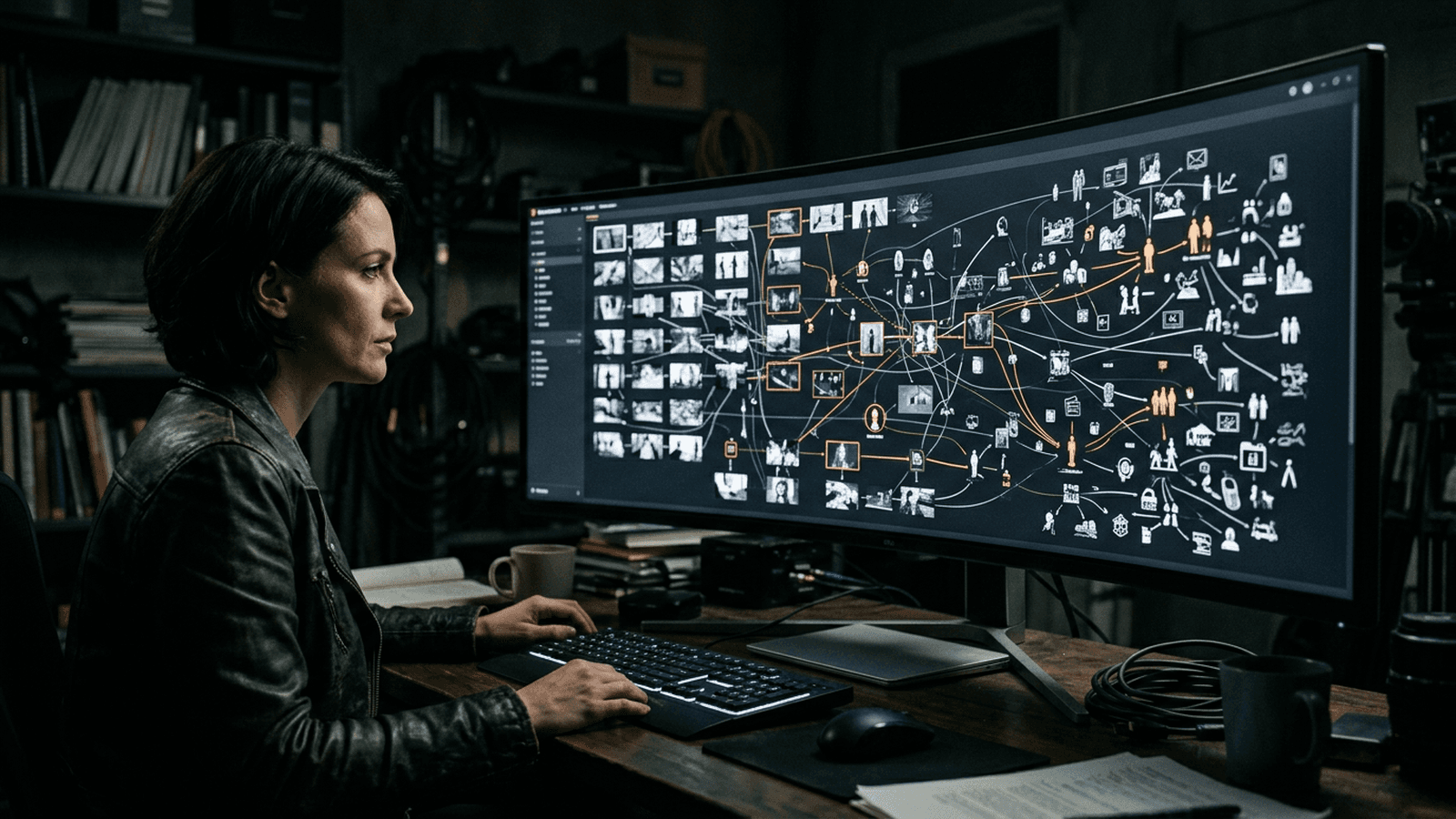
It is two in the morning. Your scene holds on paper. Then you open the fourth tab, the third chat, the drive where the refs lie around, and the image generator that promises the moon. The next day, your PDF exists, but no one sees the same film: the storyboard no longer sticks to the lines, the character has three faces according to the file, and the AI amplified every brief clumsiness because it never had the context of scene 12: only an orphan prompt copied from Slack.
Here, we talk about ScreenWeaver as a workstation where the text stays the backbone: pro writing, storyboard hooked to the sluglines, visual workflows generated from the screenplay rather than scattered in five apps. The tool presents itself around Write, See, Build: write, see the film in panels, build image or video pipelines indexed on what you actually wrote. Point of honor: ScreenWeaver is announced in beta; the features and prices evolve. Cross-check with their site, their blog and the support for anything contractual or sensitive. I am not their team; I give you a craft grid that stays true even when a menu changes name.
This guide mixes why file fragmentation kills AI projects, how a ScreenWeaver-type tool can reconnect intention and media, three beginner stories, a step-by-step workflow, a trench of mistakes, then a FAQ. I own it: I hate plastic. If a flow pushes you toward the smooth, you can counter it by brief, by model choice, and by post-processing: as elsewhere on this site.
Why fragmentation hurts so much with AI. Each copy-paste between a chat, a generator and a spreadsheet is an occasion to lose: the implicit color temperature, the time of day, the character's costume, the "no neon" prohibition. The AI only "understands" what is still present in the context you give it. A tool that ties the image to the slugline reduces the transmission noise: exactly like a service sheet in a real prod.
Commitment. Before exploring every node of the graph, finish one sequence with three panels validated on emotion and geometry. The tools change; the habit of finishing a cycle stays.
What ScreenWeaver puts on the table (set language)
Write. Pro screenplay formatting, projects and pages: according to their public communication, the writing core is designed to stay accessible for free (unlimited projects, PDF and Final Draft exports). Translation: you can install a writing discipline without the image putting the paywall pressure on you from the first line.
See. Assisted storyboard, frame descriptions, links to the scenes: the image is no longer a lost file: it drags along with its source scene. For a team that already generates images or video elsewhere, it is a way to reduce the "superb on one shot, fake on the next".
Build. Visual workflow graphs generated from the screenplay context, editable nodes, interchangeable models according to what they announce (typical examples like Seedance 2 or other tool names on their site: it changes). The idea: you stay in the loop, not in front of a single black box.
Collaboration. They highlight comments, roles, real time in their marketing discourse. For you, the challenge is not the slogan: it is to avoid the broken telephone effect when the AI multiplies the versions.
Free / paid: with no wooden language
| Need | What you aim for | Why it is useful |
|---|---|---|
| Serious writing, volume, export | Free screenwriting core (according to their current offer) | You lay the foundations without feeling held hostage |
| AI storyboard, bible, research, workflows | "Filmmaker"-type paid tier | The image becomes tooled on the text |
| Creative control | Editable graph, imported refs | You avoid the one-click myth |
Look with the eye of an EP: if an image cannot say "I come from scene 12", you are going to gain one image and lose three in consistency.
Three mini stories
A: "I have the perfect prompt, I forgot the film." Léa attacks in the generator. Her shots are beautiful in isolation; in the edit, the sweatshirt changes color and the forest changes species. With a scene-first approach, she anchors character and place in the bible during the writing; the board is born with a scene anchor, not with a poetic block alone.
B: "I know how to structure, not how to frame." Marc comes from theater. He is ashamed of his spreadsheet storyboard that he no longer reopens. The slugline / panel link lets him lock what is right, regenerate what lies, import a photo of a real location: he learns cinema through practice without dropping the dramatic rigor.
C: "Small team, big chaos." Two partners, two reading speeds, two "official versions". A single document with comments reduces the drift: especially when the AI amplifies any fuzzy instruction.
Field workflow: phases 0 to 3
Phase 0: Mental laboratory
Golden rule: one pilot sequence, ten to fifteen pages max to learn the gesture. Write three lines of visual contract for act one: default time/weather; two aesthetic prohibitions; one lens / dominant-light decision. When the engine proposes "clean but dead", you will already have a compass.
Add a default sound line for your universe (dense city, wet countryside, calm interior): even if you do not produce the sound in the tool. It avoids the "beautiful but silent in your head" panels that break in the edit. For a video chain further down, mentally link to how to improve the realism of movements in AI video.
Phase 1: Write
Structure sequences, beats, scenes as for a pro reader on Friday. Name the characters like humans, not "DETECTIVE A". Fill the bible along the way: face, wardrobe, motivation in one sentence: it is the continuity ramp. Export an archive PDF the same day even if everything is synced: someone will ask for "the version before the producer's note".
Phase 2: See
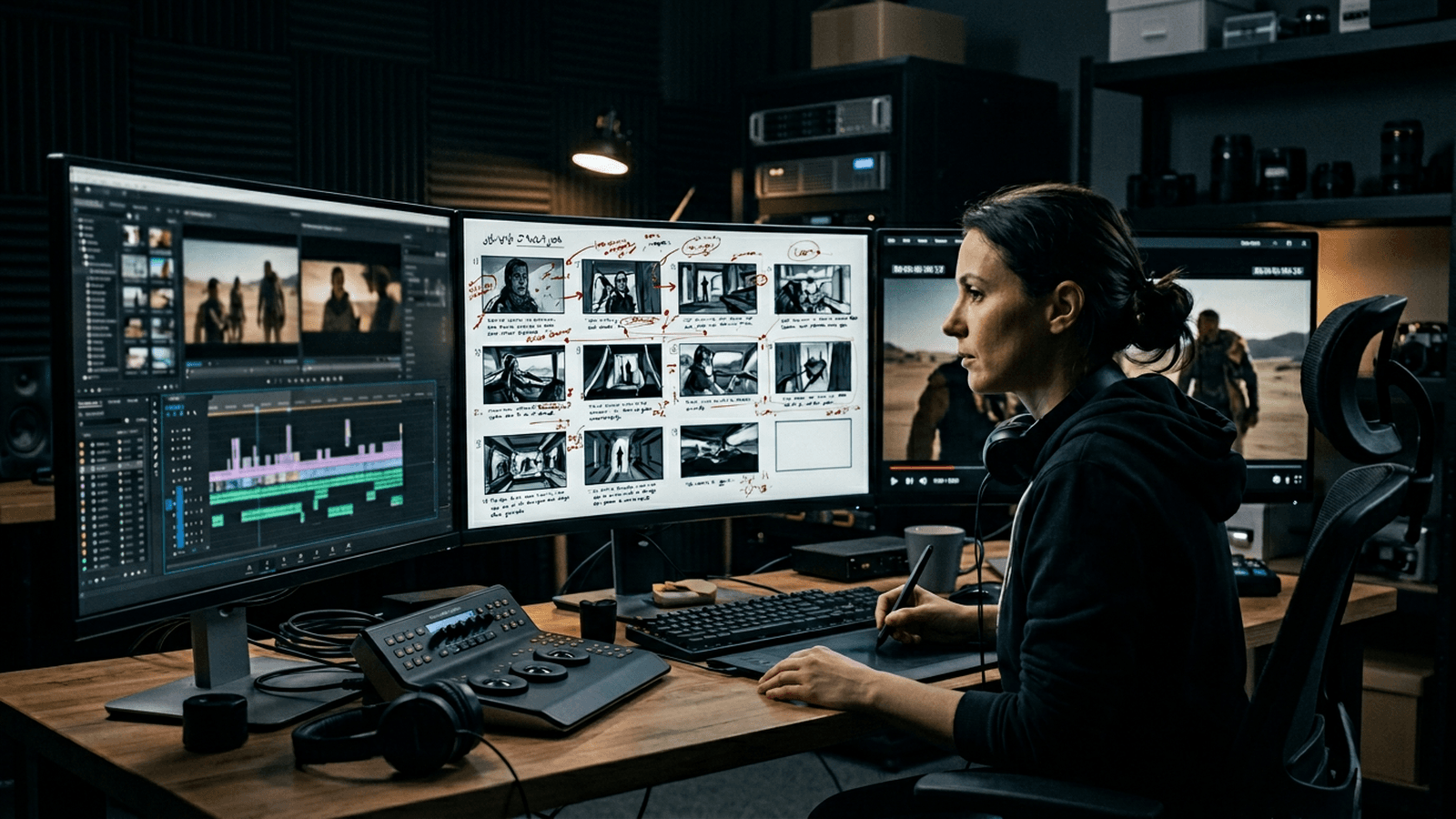
Choose one short scene, two or three beats for the first board. Read your INT./EXT. aloud; underline the movement verbs: they are free camera cues. Before the look, define a dramatic function per panel: revelation, lie, too-long silence. It avoids the decorative images.
If you generate: first modest pass on the movement, readability of faces and hands; second pass on the light, not on the artificial sharpness; third on a framing variant, not only a poetic prompt. Lock what is true; let the rest live with no religious war on each box.
Field tip: when an image "smells of AI" without you knowing why, it is often neither the resolution nor the model: it is an impossible light, a skin with no history, a framing with no decision. Correct the intention first. Cross-reference how to describe light like a director of photography in your prompt and how to create a consistent visual universe with AI.
Phase 3: Build
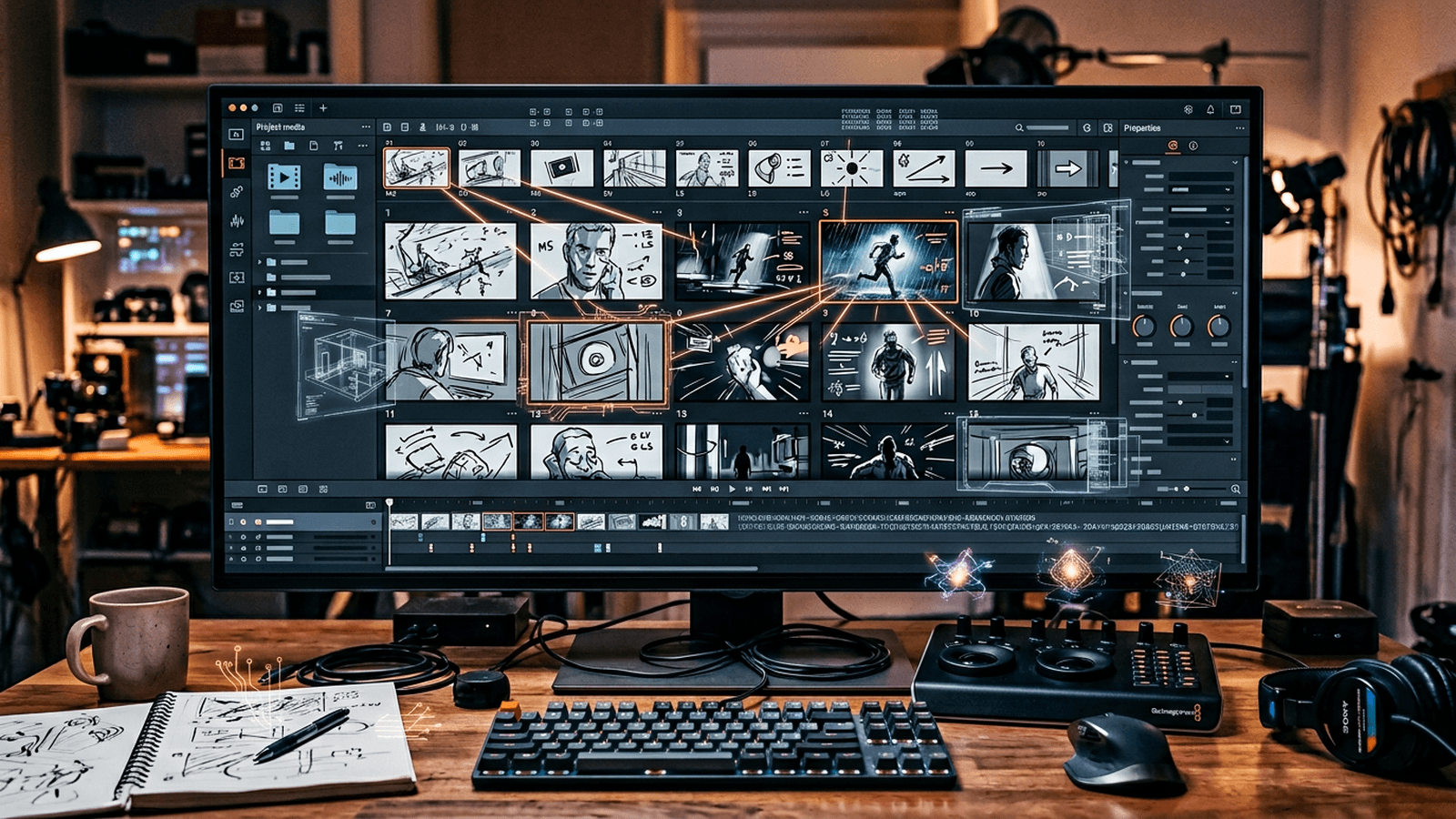
Open the workflow generated from the scene. Observe how the context descends from scene source to frame direction, then image, then possible video. One node at a time: changing five sliders at once is the recipe to lose the consistency.
For a direction node, think DP: implicit focal length, camera height, air quality, contrast: not "beautiful image". For the image, keep the character refs at hand (some interfaces let you map a character: use it to avoid the worried clone). For the video, start minimal movement; the spectacular can rise in the edit. Name the exports with slugline and version: SEQ02_INT_COFFEE_V03 beats final_final_real.mp4.
The model names on their site (e.g. Seedance 2 for screenplay to multi-shot video) are examples that age. The method that stays: scene first, media after.
The three "still cinema" prompts for your own tests outside ScreenWeaver
Trench warfare: frequent mistakes
Treating the screenplay like a long prompt. You spend more time on AI annotations than on a too-long line. Fix: rewrite the scene; the media will follow a better base.
Multiplying the styles between panels with no narrative reason. Fix: look document (palette, grain, implicit lens); vary the framing, not the "season" of the world.
Confusing continuity and exact copy. Fix: list what is contractual (scar, object) vs what can breathe (earring under another angle).
Under-briefing the scene, over-briefing the effects. Fix: one line of desire or fear in the scene synopsis.
Neglecting the audio in the head. Fix: thirty seconds of atmosphere while reading the board.
Wanting the final grade at the storyboard. Fix: first validate the function of the panel, then a "sell" pass if needed.
Forgetting that the beta moves. Fix: screenshots of what works, local exports, patience on the bugs.
Where it joins your AI Studio practice
ScreenWeaver or not, the muscles stay the same: script useful to the generation, consistent universe, film structure. The tool offers to hold them in a table; you can also hold them with a folder discipline: as long as the text stays the source of truth.
- Brief written before media: how to write an efficient script for an AI-generated video
- Global sequence: complete workflow to go from an idea to a realistic AI film
- Visual drift between shots: how to create a consistent visual universe with AI
- Mental edit: how to structure an AI video like a real film
- Image prompts: how to write an ultra-realistic cinematic prompt for AI
Transparency about the tool
ScreenWeaver is in beta: features arriving in waves, possible bugs, marketing to cross-check with your use. What is interesting in their public posture: free for serious writing, payment when you want the tooled image: it aligns the incentives a bit. For the legal or the privacy, read their terms and contact their support (e.g. hello@screenweaver.ai according to their site at the time I write: verify).
Foire aux questions
Réponses rapides aux questions les plus fréquentes sur cet article.
Does ScreenWeaver replace Final Draft?
Not in immediate "blind switch" mode, but as a credible alternative according to your needs. The important thing is to check the real round-trip (.fdx, PDF, comments, versioning) on a test sequence before any team migration. A mastered transition is worth more than a brutal change that breaks the prod habits.
Can I stay on the free part?
Yes, if your main need is structured writing and screenplay export. As soon as you want to speed up storyboard, research, and scene-linked visual workflows, the paid functions make sense. Decide according to your real flow, not according to the marketing grid alone.
Does the AI write the film in my place?
No, it assists but does not replace the narrative responsibility. It can help to iterate, reformulate and visualize faster, but the dramatic choices stay human. The film fails or succeeds on the author's decisions, not on the quantity of autocompletion.
How to avoid three faces for the same character?
Use a stable character bible from the writing, with visual references linked to the scenes. Lock the correct panels as you go and avoid regenerating everything in bulk on each iteration. The consistency comes from a continuity protocol, not from a single prompt.
Can I import my own images?
According to their communication: refs, sketches, external renders to feed the board.
Offline?
They announce an offline writing with synchronization on return via an app-type installation from the browser. Always keep a local export copy if you are cautious.
Is it worth it for a fifteen-second ad?
If the ad is ultra simple and mono-format, the interest can be limited. But as soon as you manage variants, formats, client validations and product consistency, the organizational gain becomes fast. The real return comes from the reduction of transmission errors between writing, board and execution.
Honest first test?
One scene, three panels, one graph iteration, then a fast edit on sound effects or music. If the reading holds, continue; otherwise come back to the text before buying.
ScreenWeaver and Seedance 2?
Their site highlights a Seedance 2 integration for screenplay → multi-shot sequences; check the current state of the integration and the prerequisites on their documentation.
How to not sink into the plastic?
Same instruction as everywhere on AI Studio: plausible light, moderate grain, concrete camera prompts: see how to generate photorealistic AI images with no plastic effect.
I am alone, with no team: is it useful?
Yes if you suffer from the file dispersion; the gain is organizational as much as visual.
Do the workflows replace ComfyUI?
These are different philosophies: here the graph is attached to the screenplay. You can combine the two worlds if you export clean briefs.
I am an author, not a technician: where to start?
Write a scene perfect on the dramatic level before opening the image panel. Then a single panel per beat; accept the ugliness of the first frames as learning, not as a judgment on your value.
How to document for an external producer?
Screenplay PDF + storyboard export + a "locked visual decisions" page (LUT, grain, prohibitions). Even outside ScreenWeaver, this trio avoids the misunderstandings.
Final decision?
ScreenWeaver will not make the film in your place. It can reduce the distance between what you write and what you show. In an ocean of interchangeable content, the backbone and the consistency stay an advantage: tool or not.
Your turn: one scene, three panels, one sound proof, one date in the file name. The rest is honest repetition.
You can also link this method to AI video script writing and building shot by shot.
Related articles
Tutoriels
How to Write a Short Film Script from A to Z with AI
A complete masterclass to write a short film with AI, from the raw idea to a shootable script, with no artificial dialogue or shaky structure.
 Tutoriels
Creating a 100% AI Short Film With No Camera or Actors
Narrative structure, character consistency, honest limitations, and finishing to hold up at an online festival.
 Tutoriels
How to Structure an AI Video Like a Real Film
Acts, transitions, rhythm, and grams of editing to go beyond the single-shot clip.