Aller au contenu principal
Frank Houbre

Blog

AI filmmaking, in the trenches — page 4

Preview: How to Improve an Average Render into a Pro RenderTutoriels

How to Improve an Average Render into a Pro Render

A decent AI video shot is not enough on a serious screen: layer-by-layer diagnosis, a solid post chain, controlled upscaling and rejection discipline to go from an average render to a pro render with no magic or misleading promises.

Preview: How to Turn an AI Video Into a Premium AdTutoriels

How to Turn an AI Video Into a Premium Ad

A complete method to turn an AI video into a premium ad: conversion-oriented creative frame, disciplined visual consistency, serious post-production and media quality control like an agency. The keyword turn AI video premium ad becomes here an executable checklist.

Preview: How to Mix Audio and Image for a Cinema RenderTutoriels

How to Mix Audio and Image for a Cinema Render

Mixing audio and image for a cinema render on AI video: sound hierarchy, stems, dynamics, spatialization, calibration with the grade and delivery with no fatigue or 'demo' feeling.

Preview: How to Integrate Sound Design into an AI VideoTutoriels

How to Integrate Sound Design into an AI Video

A practical method to integrate sound design into an AI video: audio layers, synchronization, synthetic voices, ambiences and a mix for a credible render with no noise or amateur collage. The keyword AI video sound design becomes a delivery protocol here, not a catalog of effects.

Preview: How to Add Realistic Motion BlurTutoriels

How to Add Realistic Motion Blur

After an AI video generation that is too sharp, motion blur becomes a question of perceived physics: plausible temporal integration, vectors that read together, a serious software chronology and mobile tests against the double blur that delivers, once again, a tired demo.

Preview: How to Correct the Colors of an AI VideoTutoriels

How to Correct the Colors of an AI Video

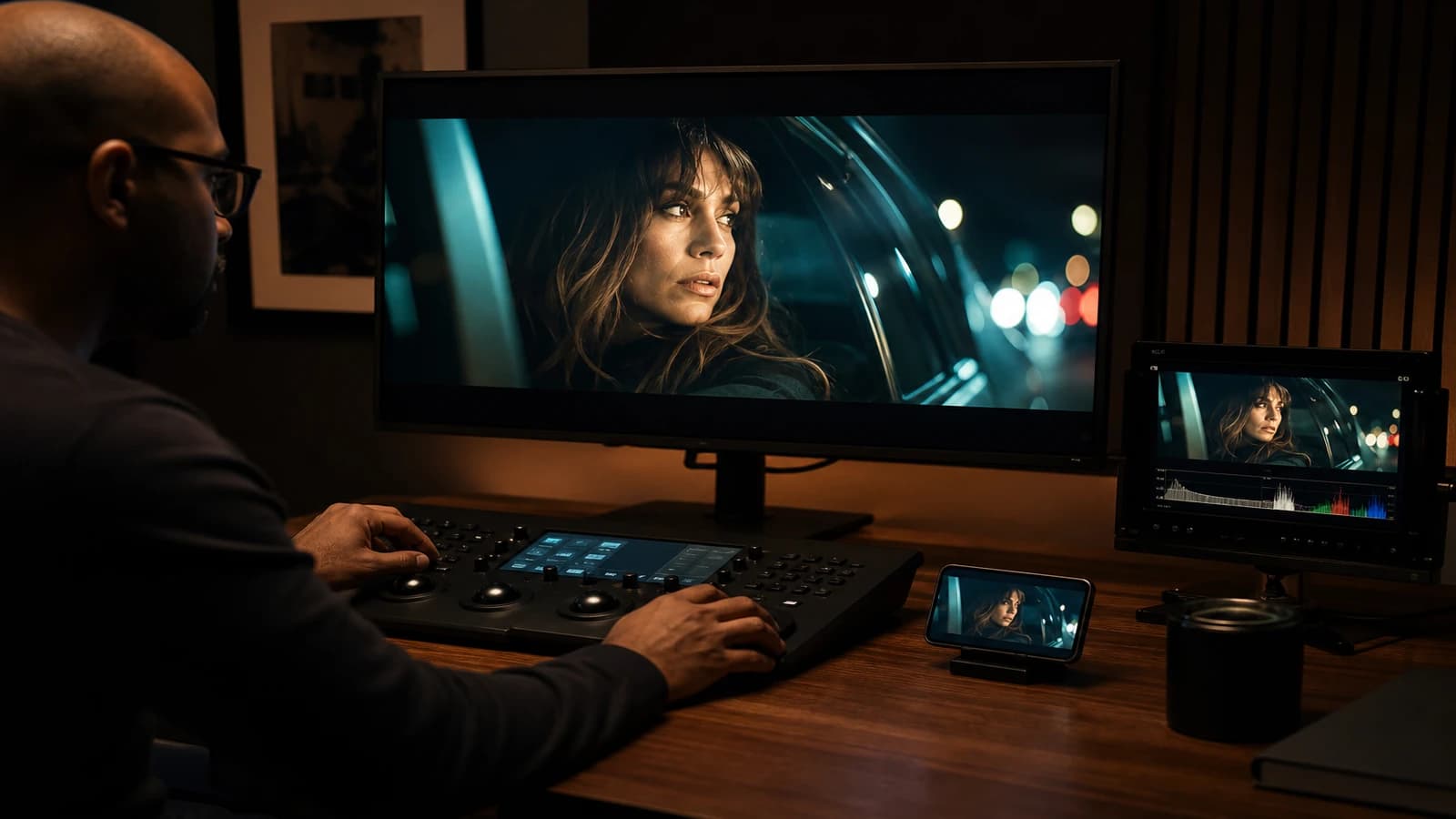
A complete method to correct the colors of an AI video: diagnosing the typical defects, the order of corrections, scopes, continuity between shots, skin and mobile compression. Designed to move from the 'demo' render to a defensible delivery.

Preview: How to Add Realism in Post-ProductionTutoriels

How to Add Realism in Post-Production

After the AI video generation, realism is won in post: motivated grade, temporal texture, moderate movement, credible sound, and a rejection discipline that turns a demo clip into a deliverable shot.

Preview: How to Grade an AI Video in DaVinci ResolveTutoriels

How to Grade an AI Video in DaVinci Resolve

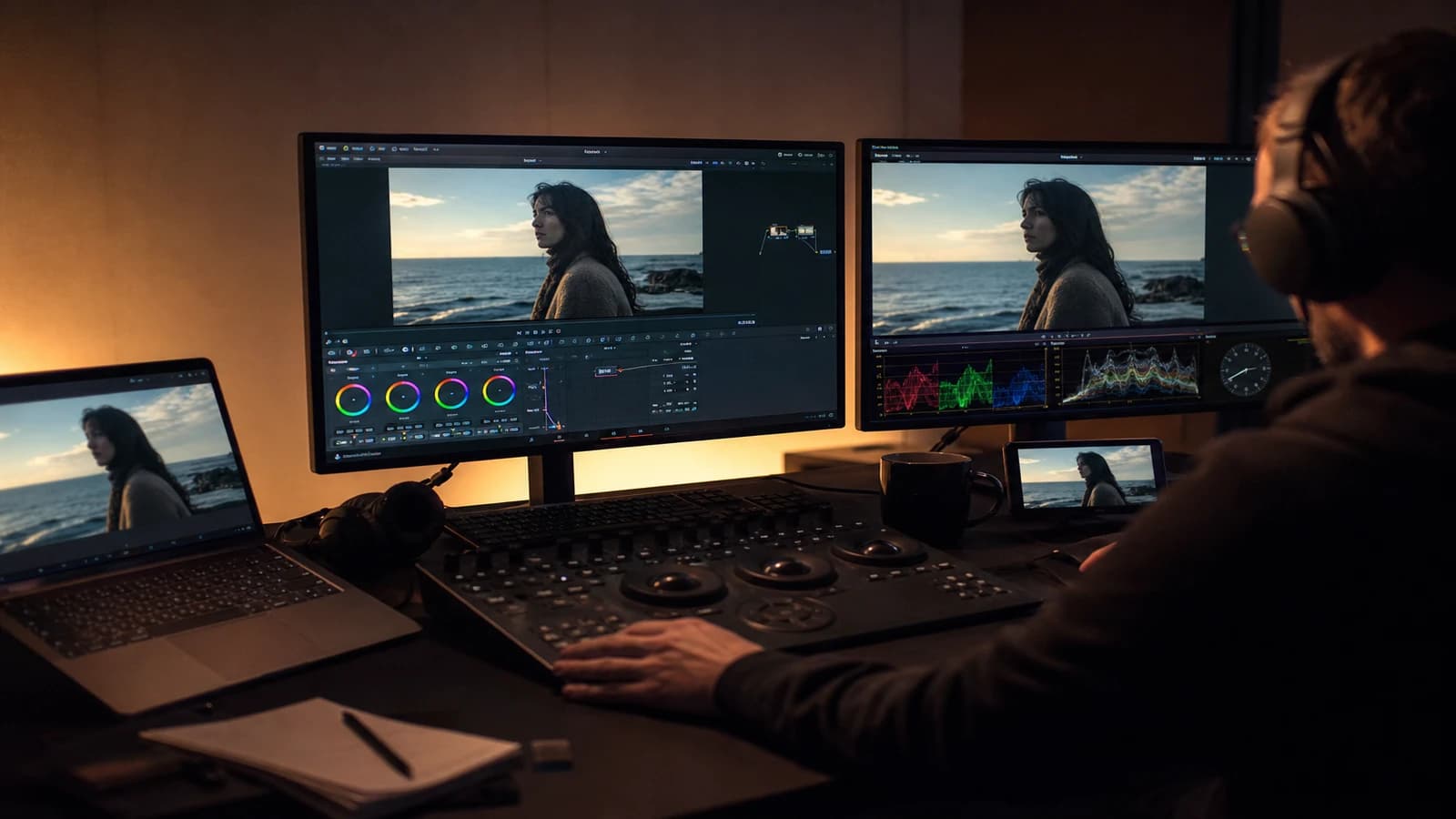
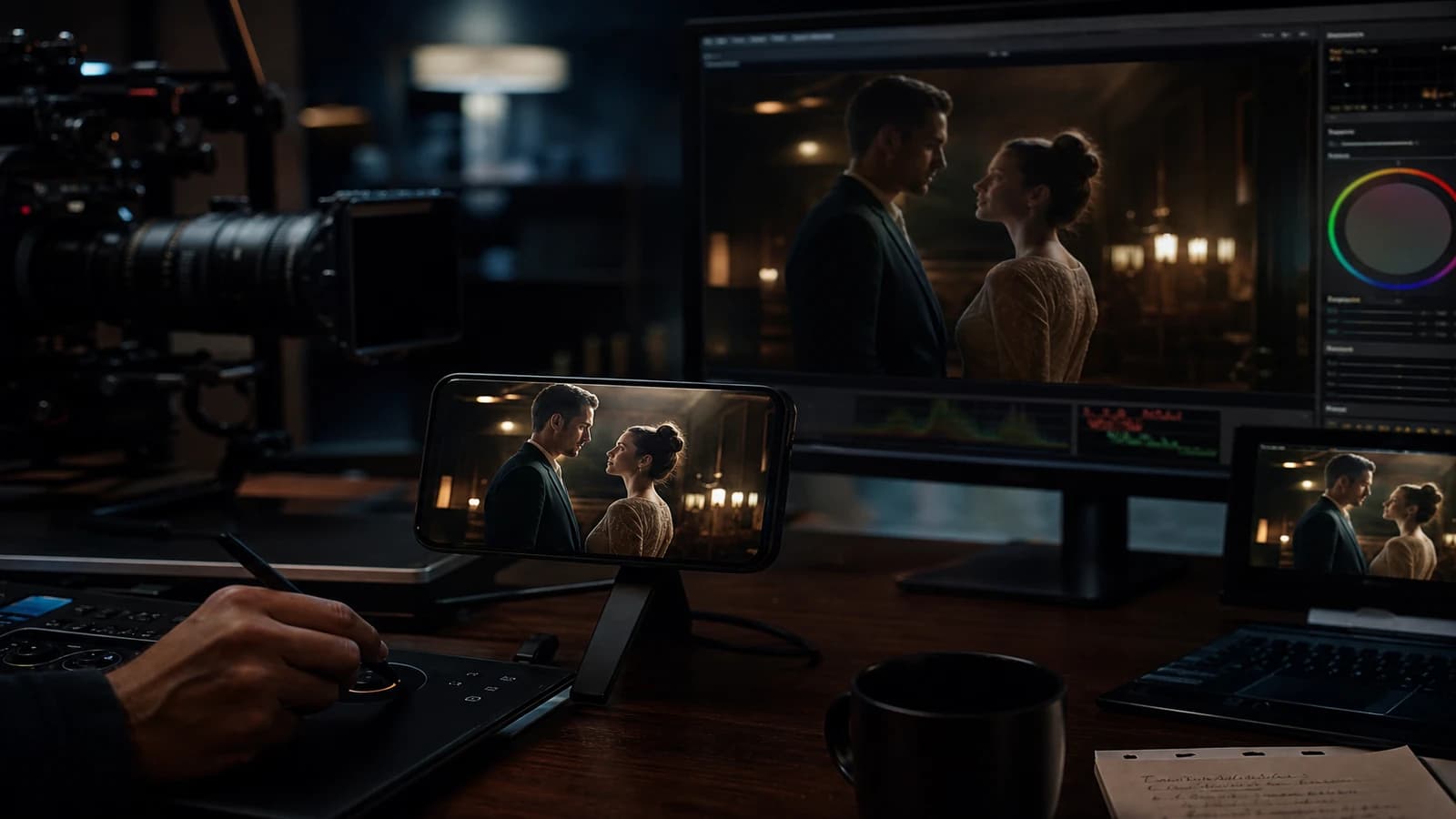
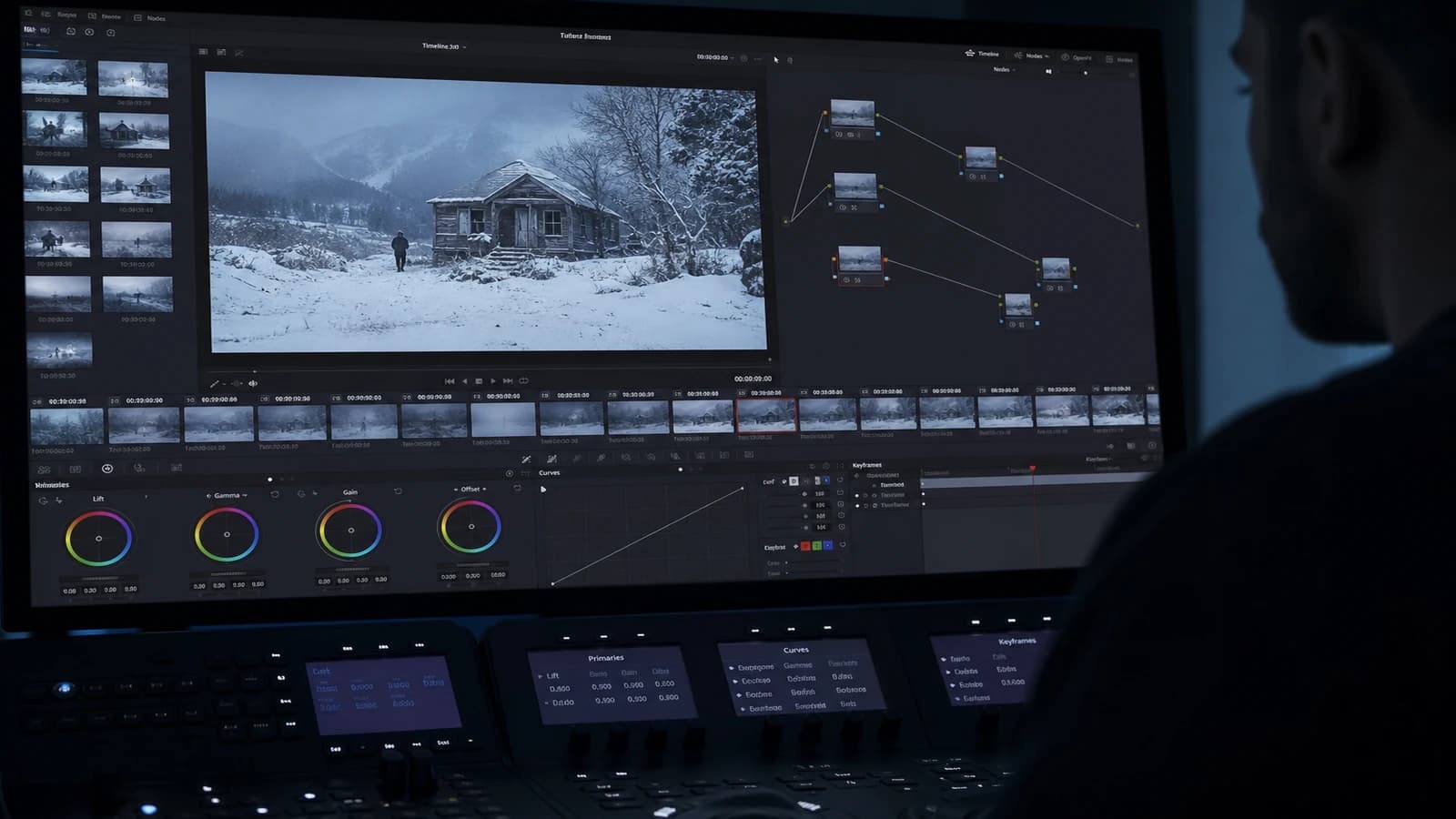
A DaVinci Resolve workflow to grade AI video: Rec.709 normalization, scopes, Color Warper, sequence continuity, cinema grain and delivery with no surprise on mobile.

Preview: How to Edit an AI Video in CapCut Like a ProTutoriels

How to Edit an AI Video in CapCut Like a Pro

A field workflow to edit an AI video in CapCut with no plastic render or chaotic timeline: organization, rhythm, audio, finishing and exports that hold up on mobile as well as on a desktop.

Preview: How to Create a Storyboard with AI Step by StepTutoriels

How to Create a Storyboard with AI Step by Step

To create an AI storyboard step by step with no plastic render or decorative gallery: script breakdown, visual bible, stable prompts, sequential QA and a production deliverable.

Preview: How to Organize Your AI Assets Like a ProTutoriels

How to Organize Your AI Assets Like a Pro

A complete method to organize AI assets, folders, naming, metadata, versions and delivery without losing the thread between image, video, voice and editing.

Preview: How to Go From Storyboard to Final VideoTutoriels

How to Go From Storyboard to Final Video

A complete method to go from storyboard to final video with AI: pilot-image lock, disciplined animation, temporal QA, editing and delivery with no drift or client surprise.

Preview: How to Produce an AI Video in 24 HoursTutoriels

How to Produce an AI Video in 24 Hours

A field method to produce an AI video in 24 hours: tight brief, disciplined assets, generation with no drift, deliverable-oriented editing. Ideal when the deadline is real and the keyword produce AI video 24h must become an execution plan, not a marketing promise.

Preview: Complete Image-to-Video Pipeline With AITutoriels

Complete Image-to-Video Pipeline With AI

From brief to delivery: pilot-image chain, AI animation, quality control, post and sound for a complete and credible image-to-video pipeline, with no surprises or sleepless nights.

Preview: Flux workflow for ultra-detailed imagesTutoriels

Flux workflow for ultra-detailed images

An end-to-end protocol to get credible details, from the microtexture to the global consistency, with no plastic effect that kills the realism.